README-Dateien in Ordnern
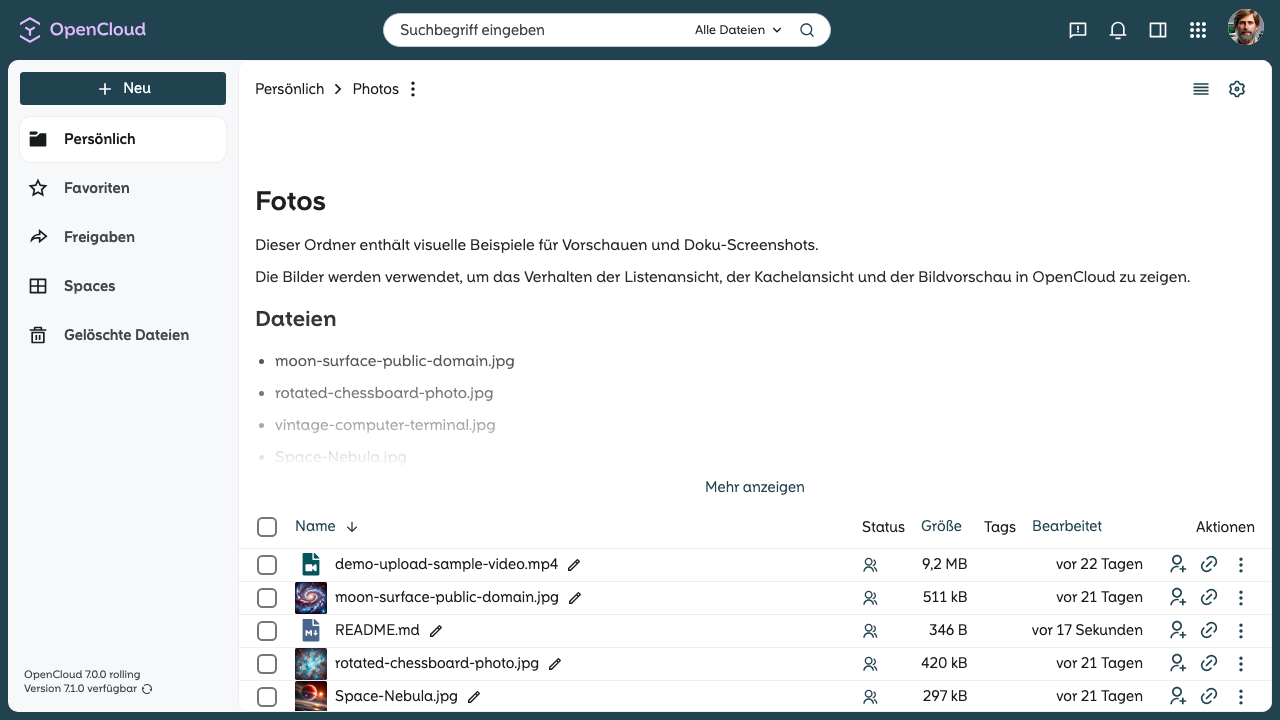
Wenn ein Ordner eine Datei mit dem Namen README.md enthält, rendert OpenCloud deren Markdown-Inhalt oberhalb der Dateiliste.
README-Datei erstellen
- Öffnen Sie den Ordner, in dem Sie das README hinzufügen möchten.
- Erstellen oder laden Sie eine Datei mit dem Namen
README.mdhoch. - Fügen Sie Ihren Markdown-Inhalt hinzu und speichern Sie die Datei.
OpenCloud rendert den Inhalt, wenn der Ordner geöffnet oder aktualisiert wird.
Unterstützter Dateiname
Der Dateiname muss genau so lauten:
README.md
Beispiel
Eine README.md-Datei kann zum Beispiel folgenden Markdown-Inhalt enthalten:
# Fotos

Dieser Ordner enthält visuelle Beispiele für Vorschauen und Doku-Screenshots.

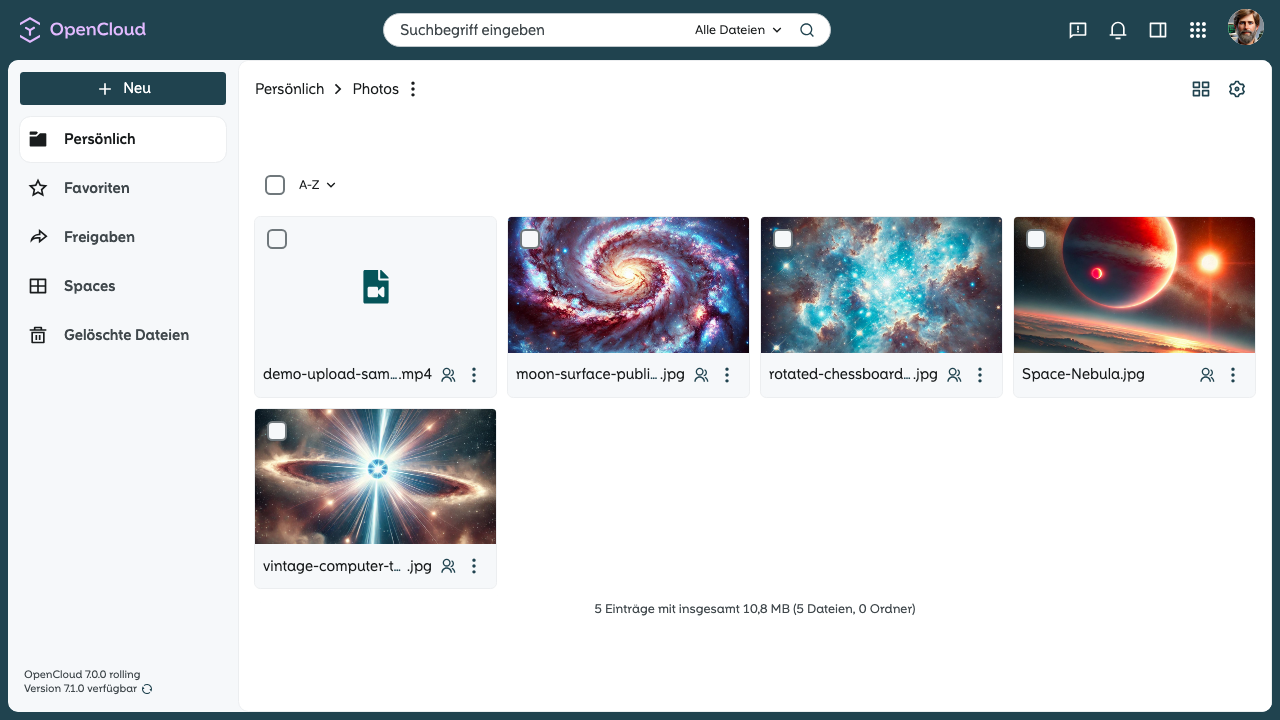
Die Bilder werden verwendet, um das Verhalten der Listenansicht, der Kachelansicht und der Bildvorschau in OpenCloud zu zeigen.

## Dateien

- moon-surface-public-domain.jpg
- rotated-chessboard-photo.jpg
- vintage-computer-terminal.jpg
- Space-Nebula.jpg
README-Bereich entfernen
Löschen oder benennen Sie README.md um, um den gerenderten Bereich zu entfernen.