Recommend to a Friend
The Recommend to a Friend feature allows you to quickly invite others to try OpenCloud. The app automatically creates a pre-filled invitation message containing a download link that you can share using your preferred communication app.
Share an Invitation
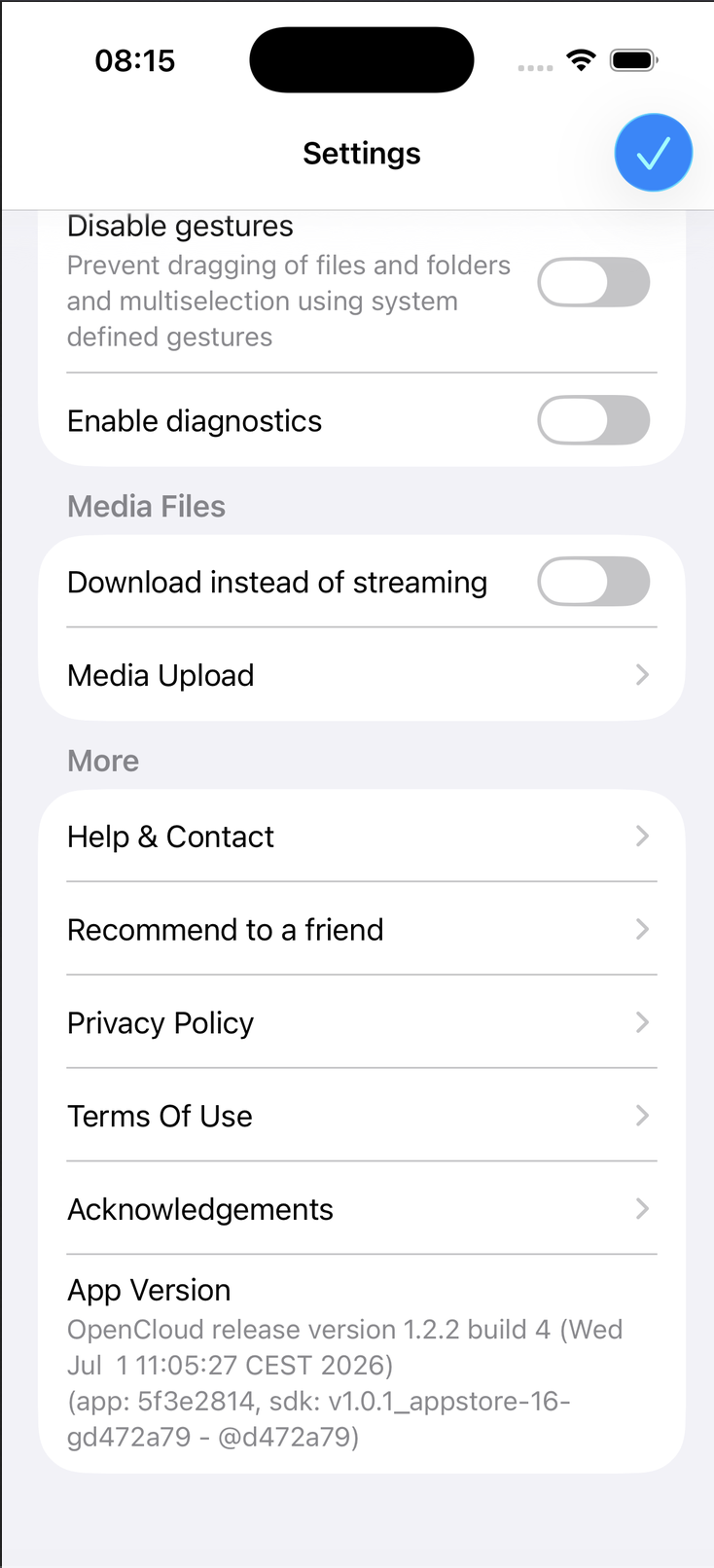
- Open the OpenCloud app.
- Tap Settings.
- Under More, tap Recommend to a friend.
Selecting this option opens your device's share sheet with a pre-filled invitation message.
Send the Invitation
Choose the app you want to use for sharing, such as Mail, Messages, or another supported sharing service.
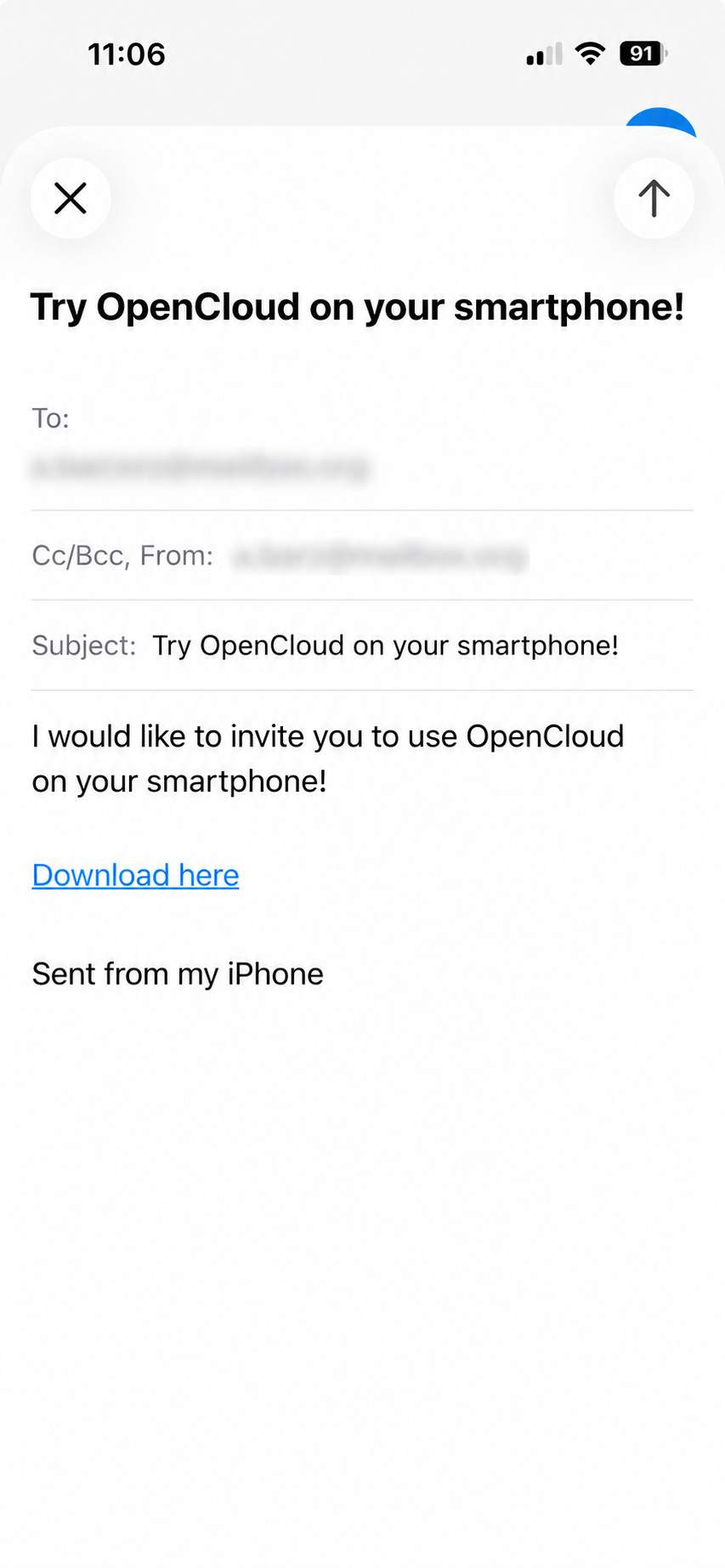
The invitation message already contains:
- A pre-filled subject.
- A short invitation message.
- A download link to OpenCloud.
Simply enter the recipient and send the message.
You can share the invitation using any app that supports the iOS Share Sheet, including Mail, Messages, WhatsApp, Signal, Telegram, and many others.
The generated download link always points to the latest official version of the OpenCloud mobile app available for the recipient's device.