Delete Unused Local Copies
The Delete unused local copies setting automatically removes downloaded files from your device after a specified period of inactivity.
Only the local copies are removed. Your files remain safely stored in OpenCloud and can be downloaded again at any time when needed.
Configure Delete Unused Local Copies
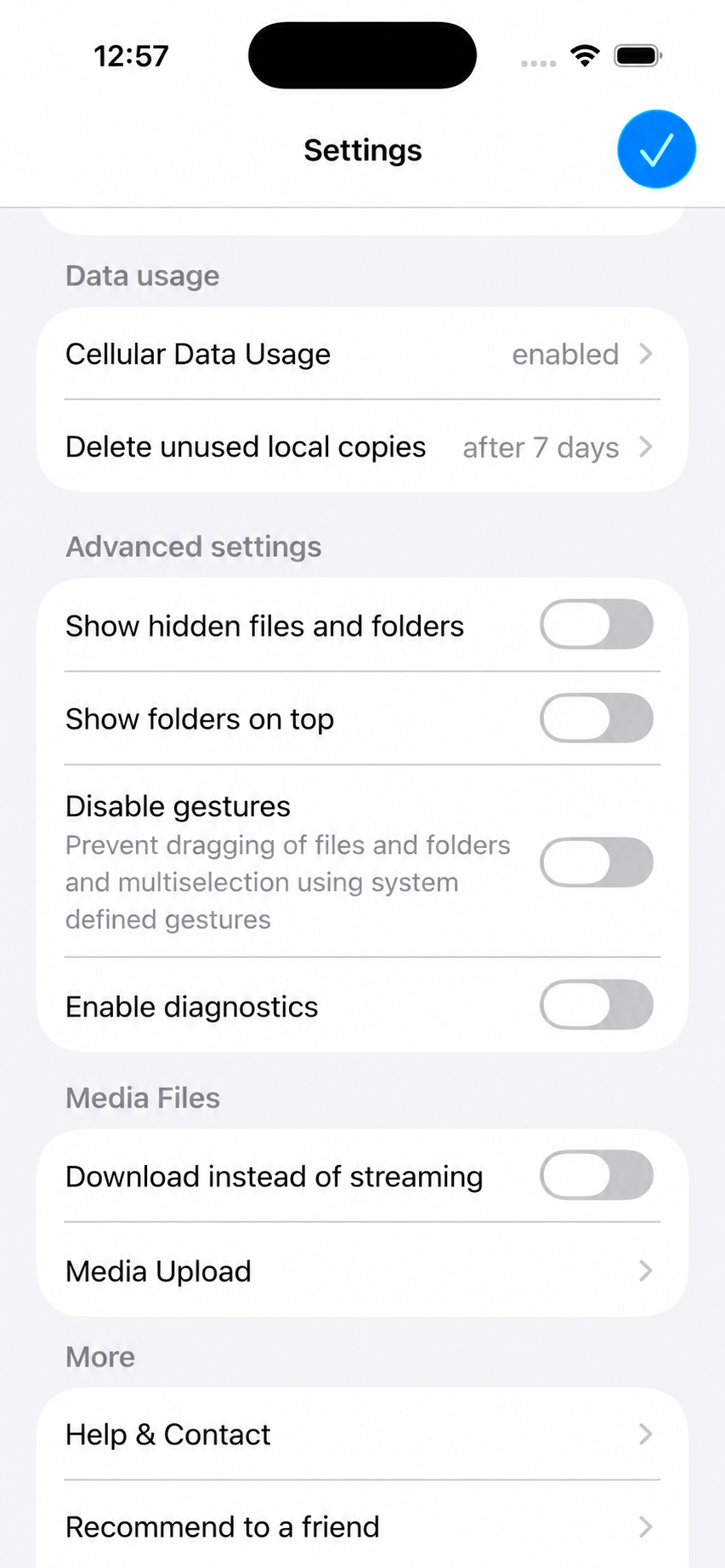
- Open the OpenCloud app.
- Tap Settings.
- Under Data usage, tap Delete unused local copies.
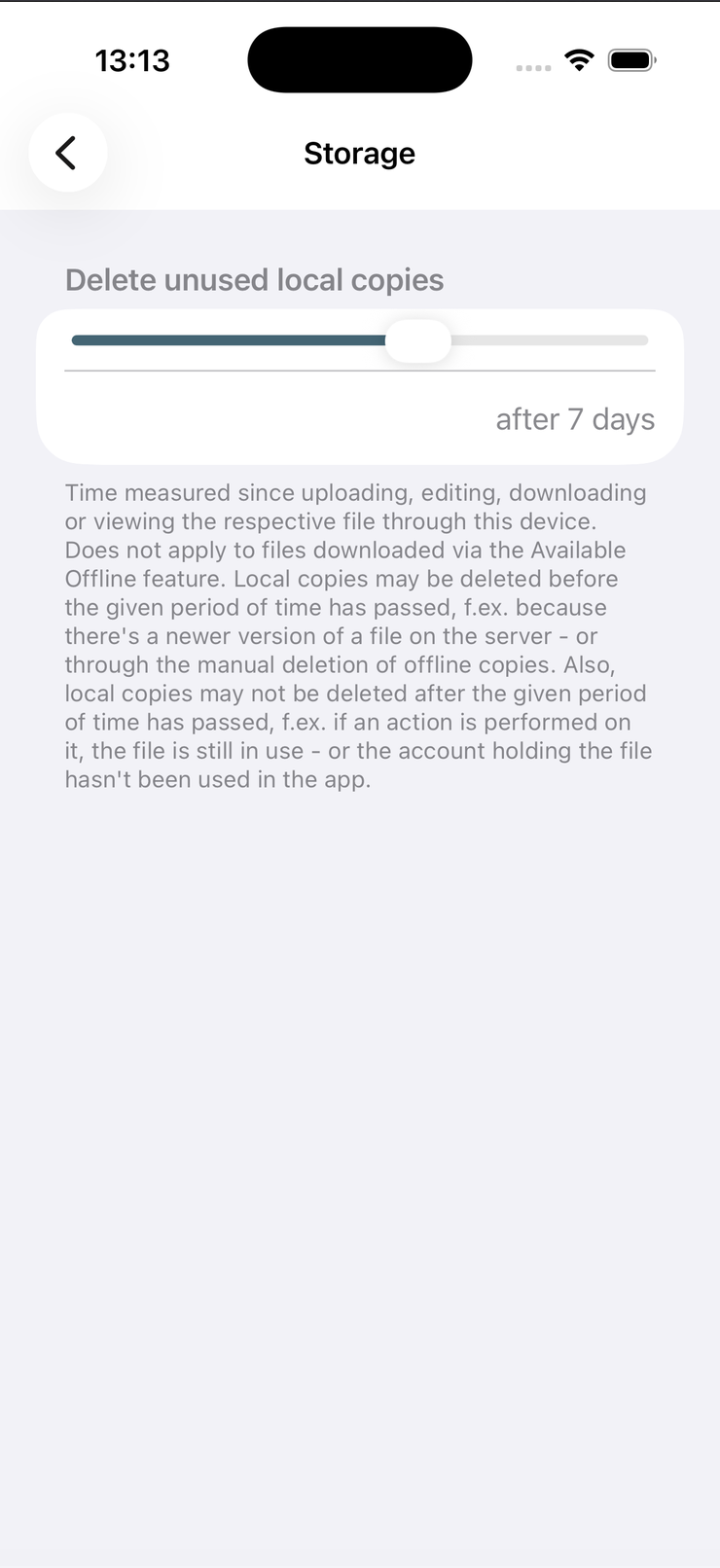
The Delete unused local copies setting allows you to choose how long downloaded files should remain stored locally before they are automatically removed.
Available Options
You can choose one of the following retention periods:
- Never – Local copies are never removed automatically.
- After 1 day
- After 7 days
- After 30 days
The selected period starts after the file was last accessed on your device.
Select the retention period that best matches your workflow.
Files that have not been accessed within the selected time are automatically removed from the device while remaining available in your OpenCloud account.
How It Works
Only files that are stored locally are affected.
The following data is not deleted:
- Files stored in OpenCloud
- Folder structure
- Shared files
- File metadata
When you open a removed file again, OpenCloud automatically downloads it from the server.
This feature only removes the local copy from your device.
Your files remain securely stored in OpenCloud and are available for download at any time.