Help & Contact
The Help & Contact section provides quick access to OpenCloud resources, including the official documentation, the GitHub issue tracker, and the community discussions.
Open Help & Contact
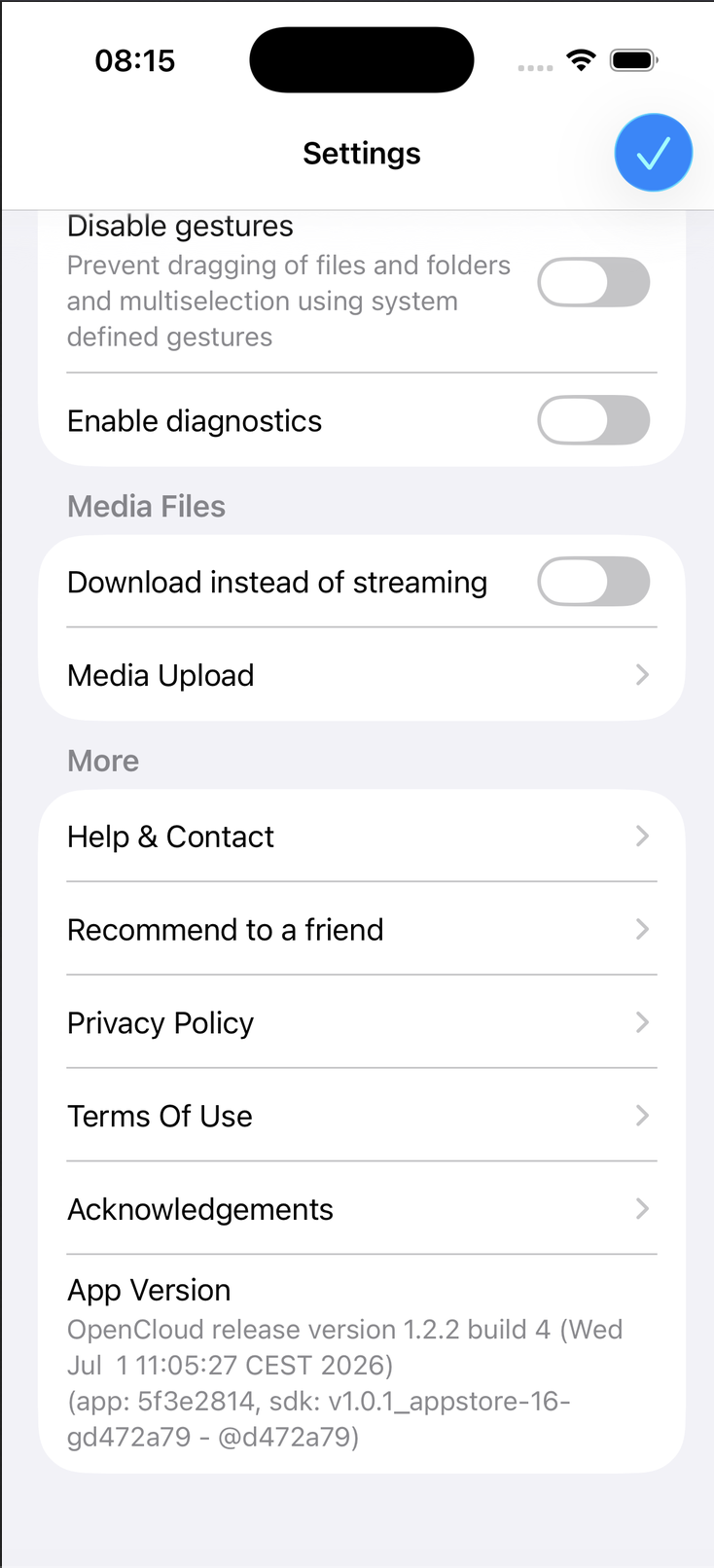
- Open the OpenCloud app.
- Tap Settings.
- Scroll to the More section.
- Tap Help & Contact.
The Help & Contact page gives you access to documentation and community support resources.
Available Resources
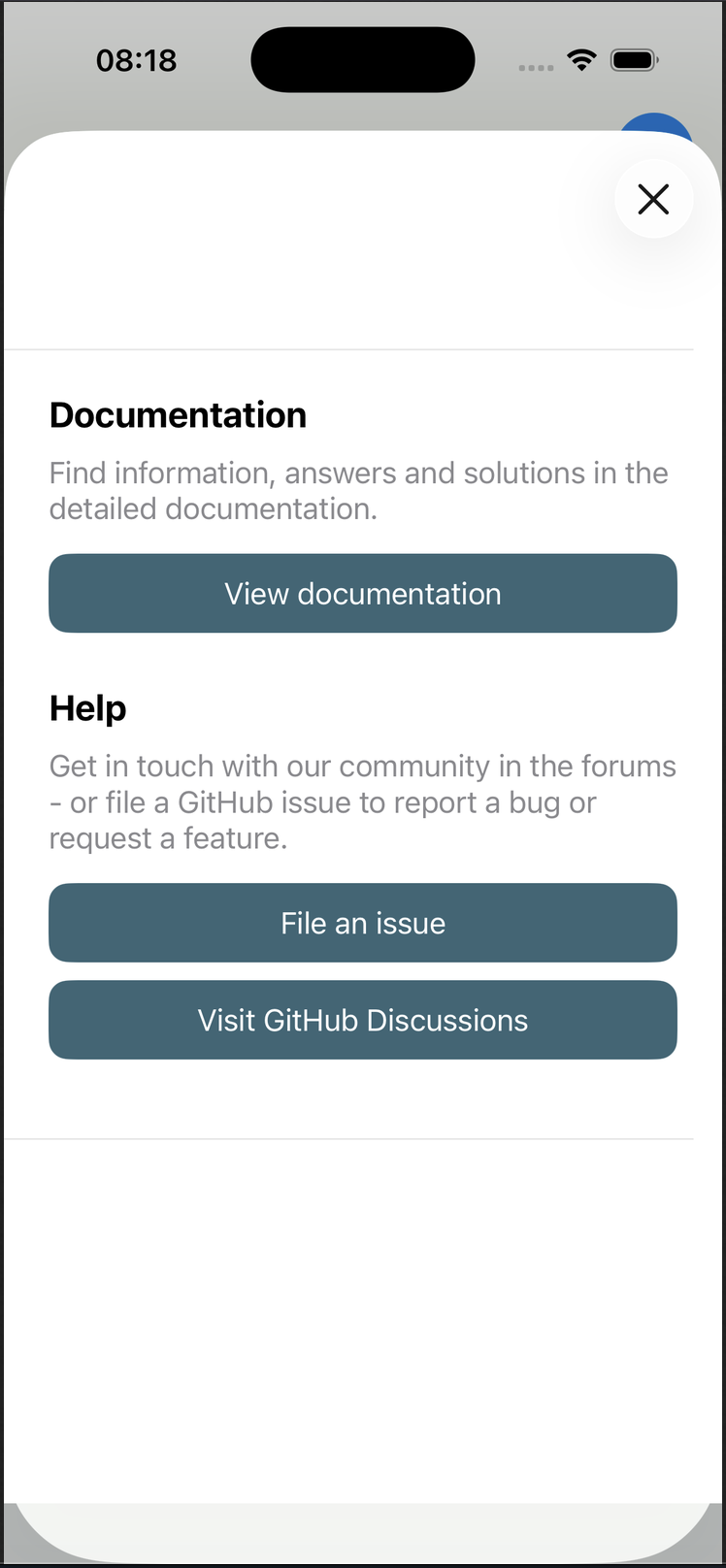
The Help & Contact page provides the following resources:
- View documentation – Opens the official OpenCloud documentation containing user guides, setup instructions, and feature descriptions.
- File an issue – Opens the GitHub issue tracker where you can report bugs or request new features.
- Visit GitHub Discussions – Opens the OpenCloud community discussions where you can ask questions, share ideas, and get help from other users.
Use these resources whenever you need additional information, want to report a problem, or interact with the OpenCloud community.
When to Use Each Resource
| Resource | Recommended for |
|---|---|
| View documentation | Learning how OpenCloud features work and finding step-by-step guides. |
| File an issue | Reporting bugs, unexpected behavior, or requesting new features. |
| GitHub Discussions | Asking questions, getting community support, and sharing ideas. |
tip
If you encounter a problem, it's a good idea to check the documentation first. If the issue persists, search the GitHub Discussions or create a GitHub issue if you've found a bug.