Privacy Policy
The Privacy Policy section provides quick access to OpenCloud's official privacy policy in your device's default web browser.
Open the Privacy Policy
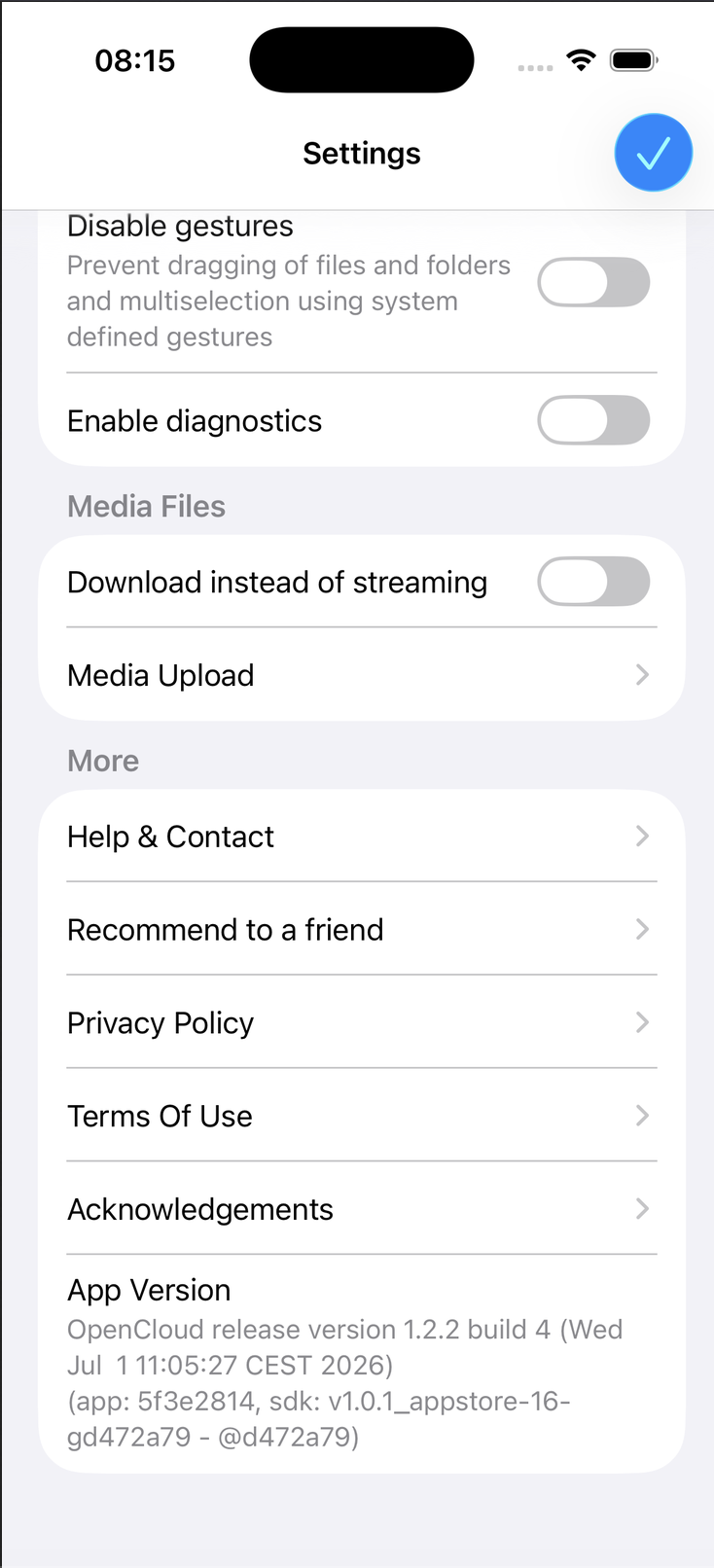
- Open the OpenCloud app.
- Tap Settings.
- Under More, tap Privacy Policy.
Selecting this option opens a confirmation dialog before leaving the app.
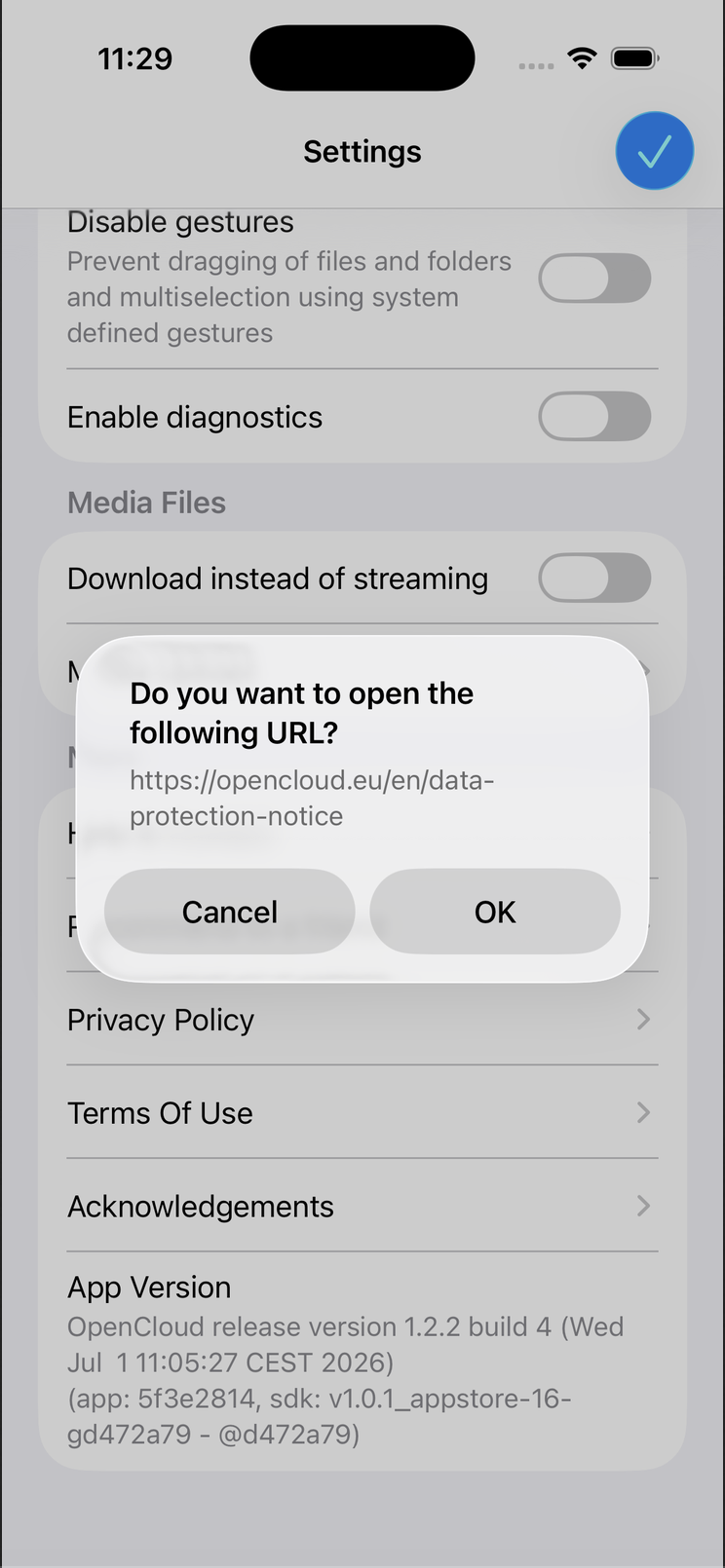
Confirm Opening the Website
A confirmation dialog appears asking whether you want to open the external website.
- Tap OK to continue.
- Tap Cancel to remain in the OpenCloud app.
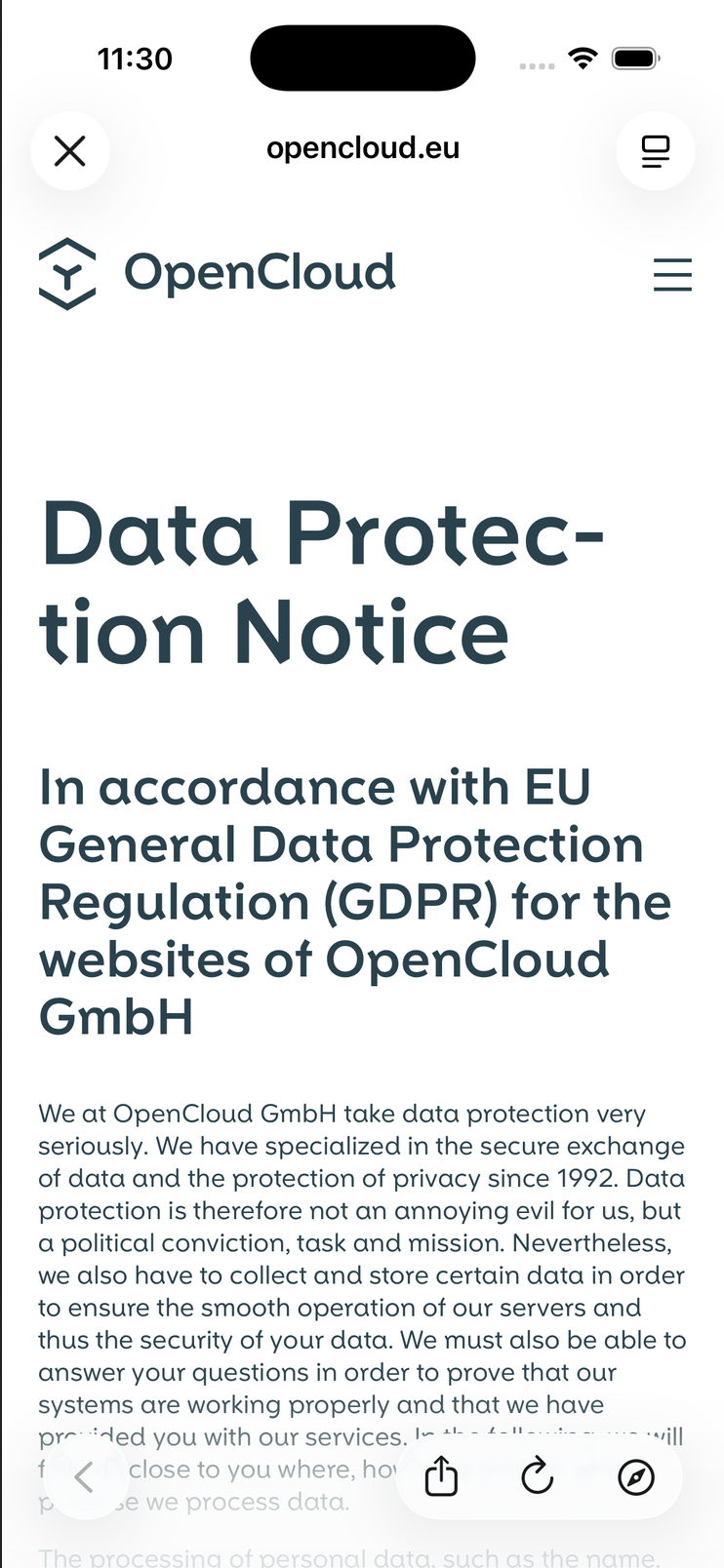
View the Privacy Policy
After confirming, OpenCloud opens the official Privacy Policy in your device's default web browser.
The page contains information about:
- Data processing
- Privacy practices
- GDPR compliance
- Your rights regarding personal data
tip
An internet connection is required to access the Privacy Policy because it is loaded from the official OpenCloud website.
note
Opening the Privacy Policy launches your device's default web browser. You can return to the OpenCloud app at any time.