Search Settings
The Search Settings allow you to define the default search scope that is used whenever you search for files and folders in the OpenCloud iOS app.
Open Search Settings
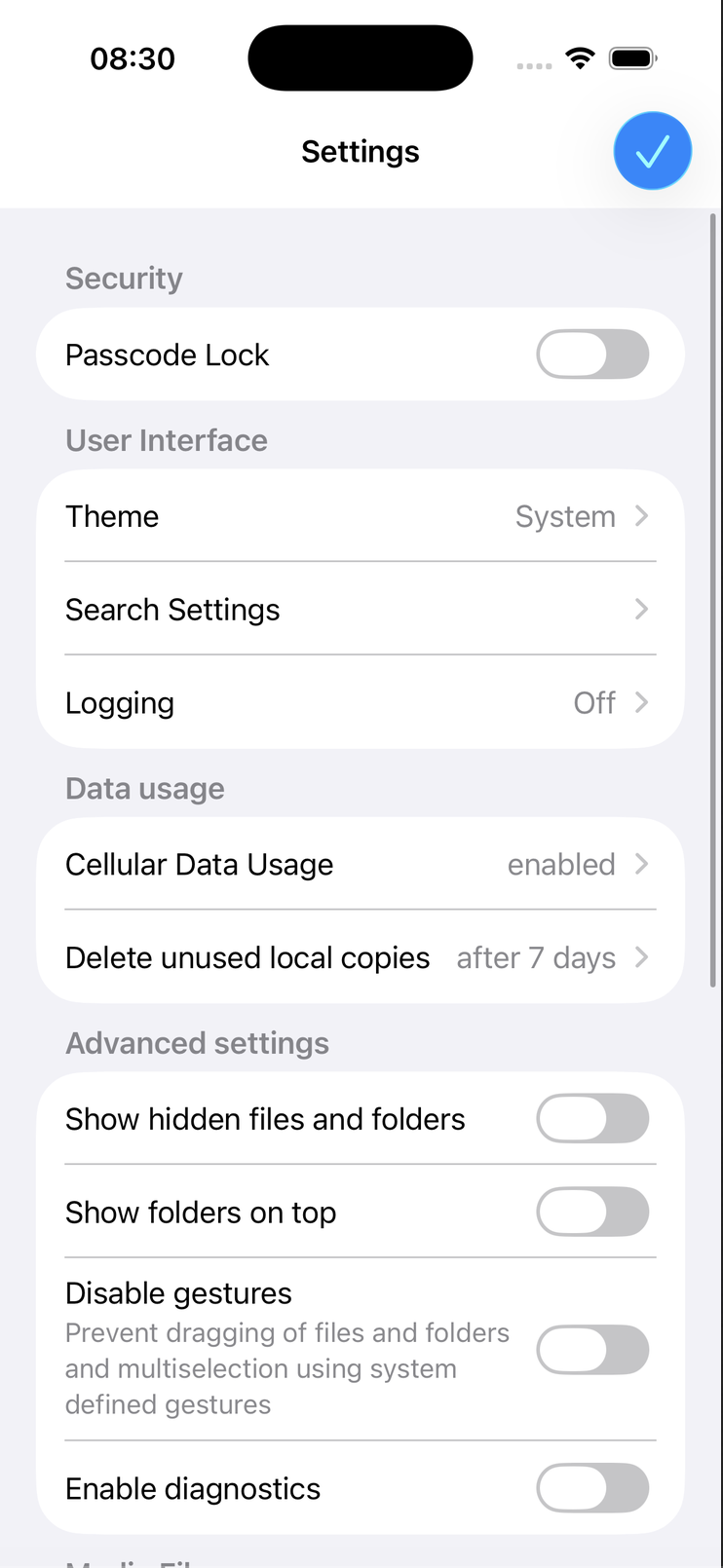
- Open the OpenCloud app.
- Tap Settings.
- Under User Interface, tap Search Settings.
The Search Settings page allows you to choose the default scope for all searches.
Available Search Scopes
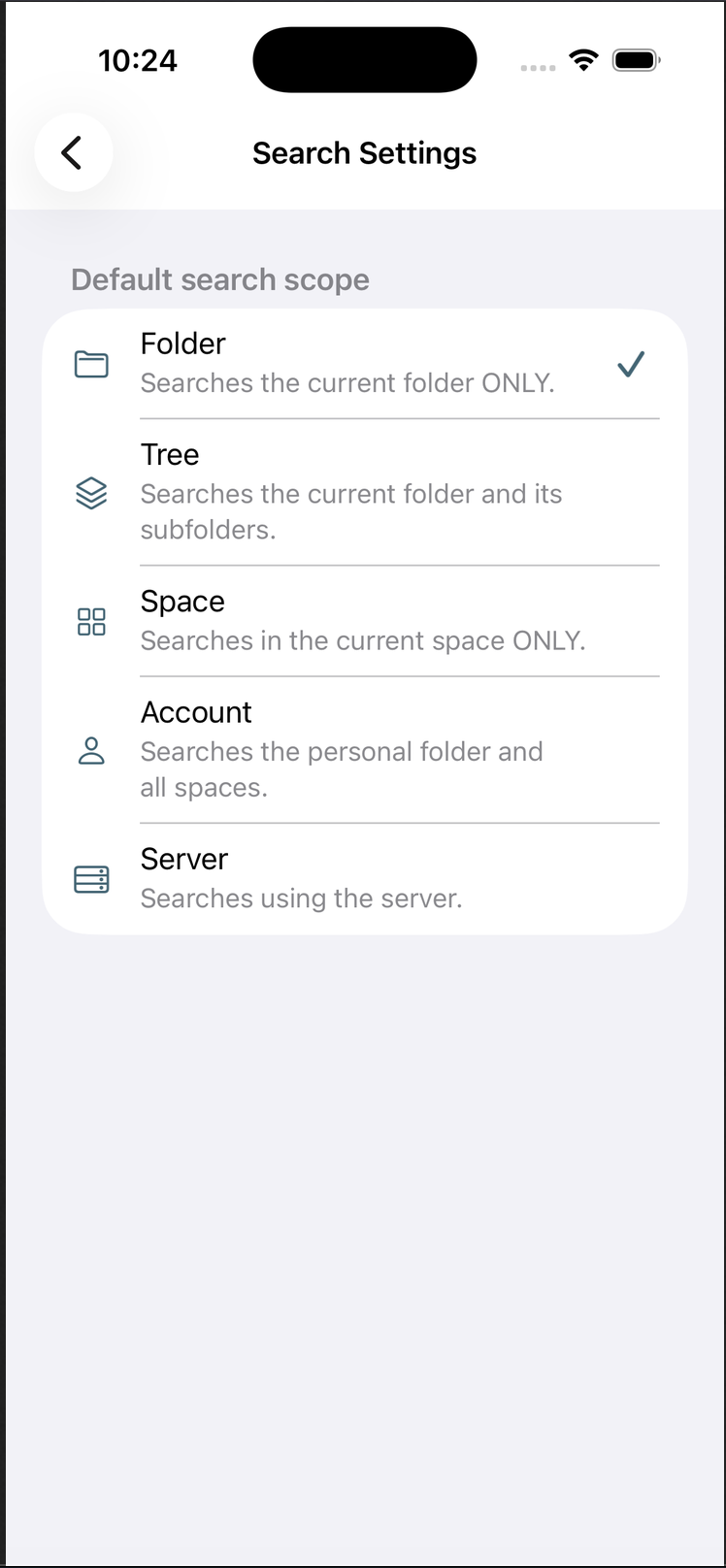
You can choose one of the following default search scopes:
- Folder – Searches only the currently opened folder.
- Tree – Searches the current folder and all of its subfolders.
- Space – Searches only within the currently opened space.
- Account – Searches the complete personal account across all spaces.
- Server – Performs a server-wide search.
How Search Settings Work
The selected search scope becomes the default whenever you start a new search.
You can still change the search scope manually while performing a search without modifying your default preference.
tip
Choose the search scope that best matches your workflow:
- Folder for fast searches in the current directory.
- Tree when you also want to include subfolders.
- Space to search everything inside the current space.
- Account to search all files you have access to.
- Server when you want the broadest possible search across the server.
note
Changing the default search scope only affects future searches. Existing search results are not modified.