Install OpenCloud Android app
Tutorial how to install the OpenCloud Android App.
Play Store
Open the Play Store on your Android Smartphone or Tablet.
OpenCloud
Search for "OpenCloud" or click the following link to go directly to the app:
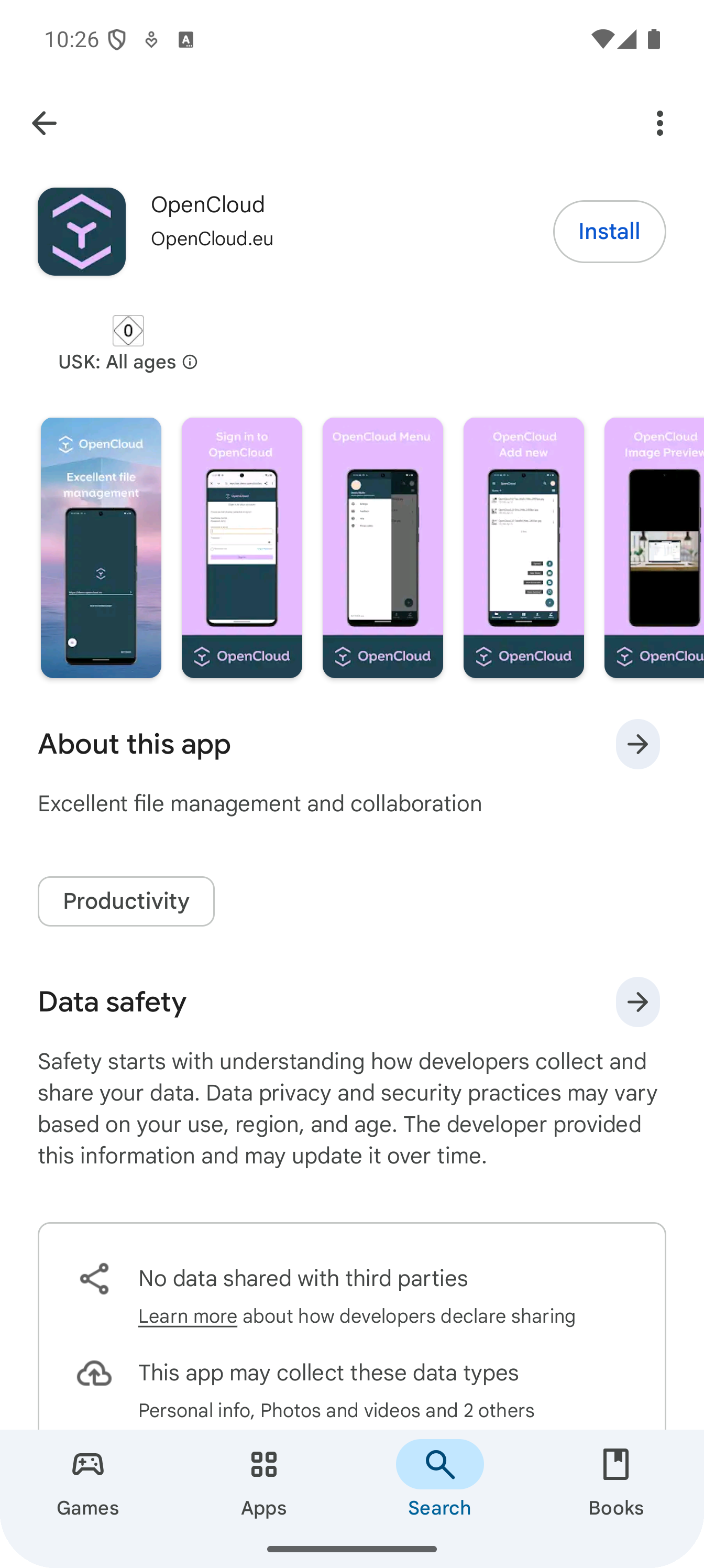
Install
Tap "Get" to install the app.
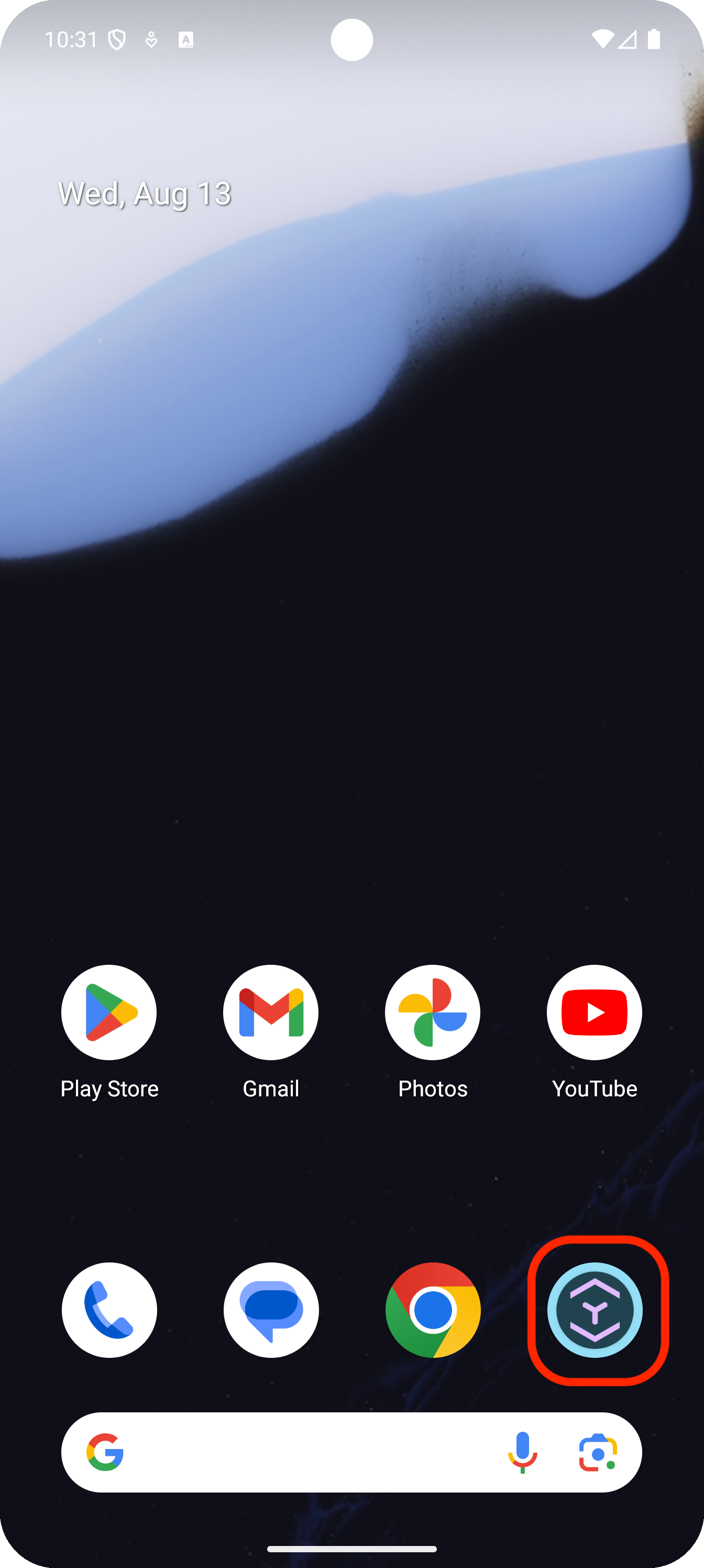
App Icon
After installation, you will find the OpenCloud app on your home screen.
Set it up
Open the app and follow the on-screen instructions to set it up.