Account Menu
Here a is a overview of the account-menue in the OpenCloud Android-App
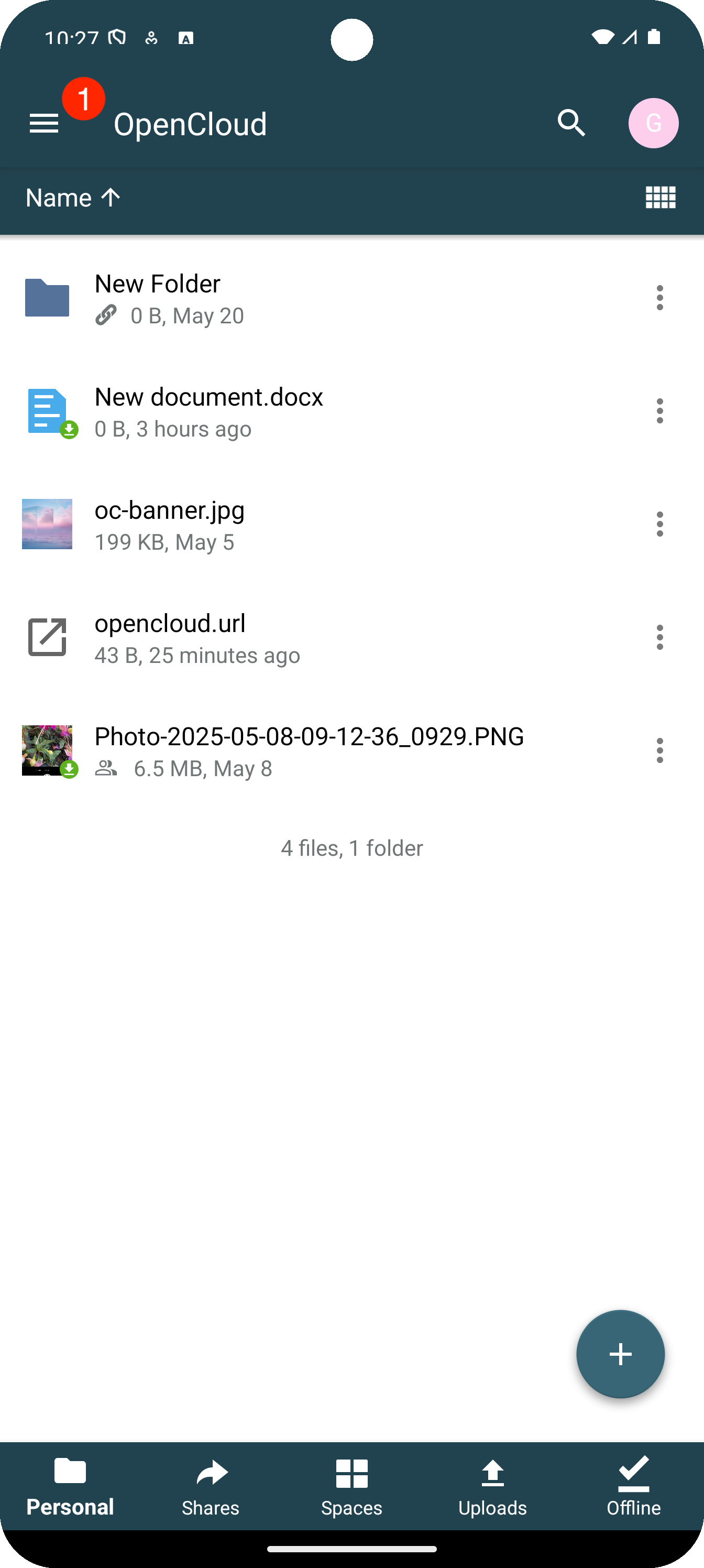
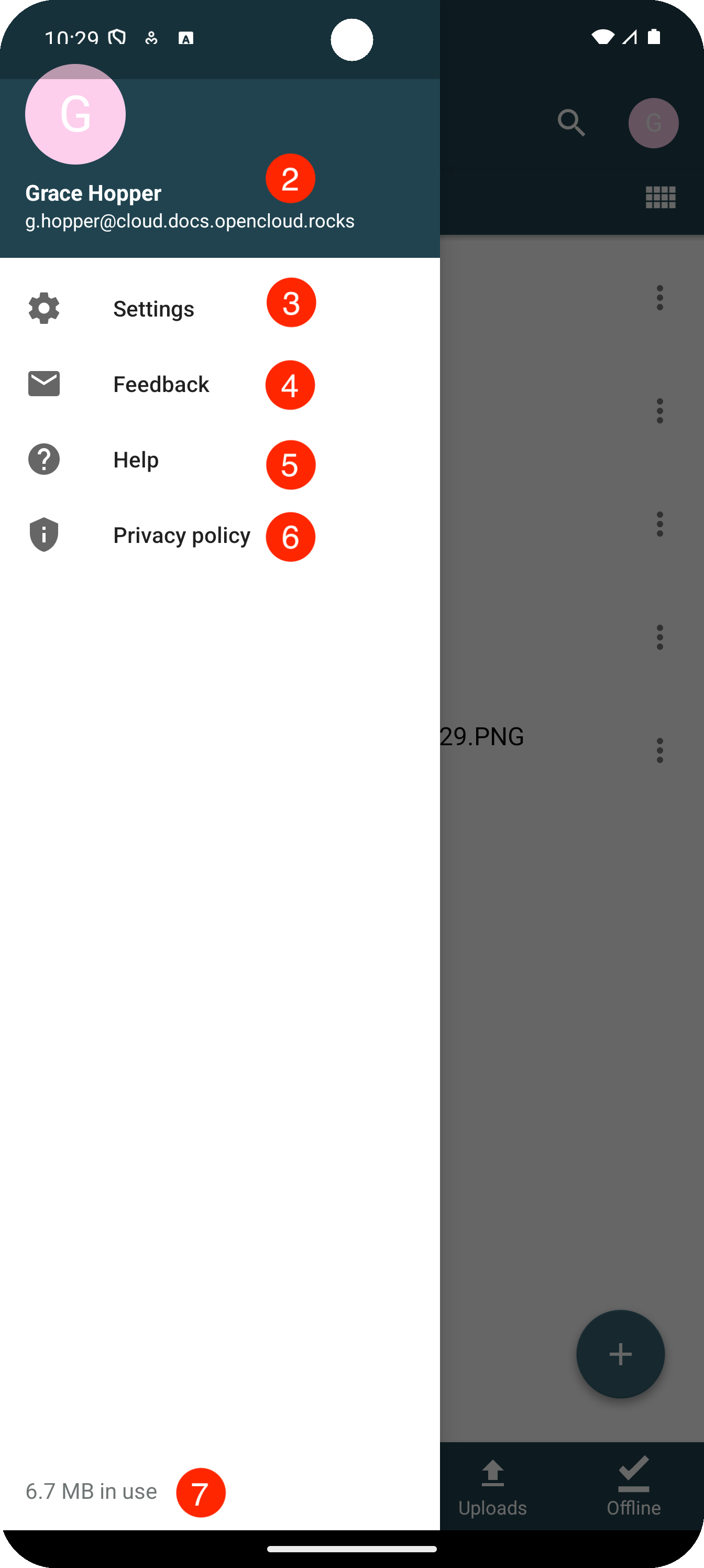
1. Account Menu Item
Opens the main account options and settings.
2. Active Account
Shows which user account is currently active.
3. Settings Menu Item
Opens the general settings and configuration options.
4. Feedback Item
Here you can send us feedback about your experience with the OpenCloud Android app.
5. Help Menu Item
Here you will find links to our documentation page and help links.
6. Privacy Policy Item
A full entry on our privacy policy can be found here.
7. Used Quota
Displays the quota you have used so far.