The "Spaces" Section in the OpenCloud Android App
The "Spaces" section provides a central place for collaboration in groups or teams. In a Space, multiple users can access files and folders together, organize content, and track changes
Spaces Overview
To open the Spaces Overview, tap the "Spaces button" in the bottom line of the the screen.
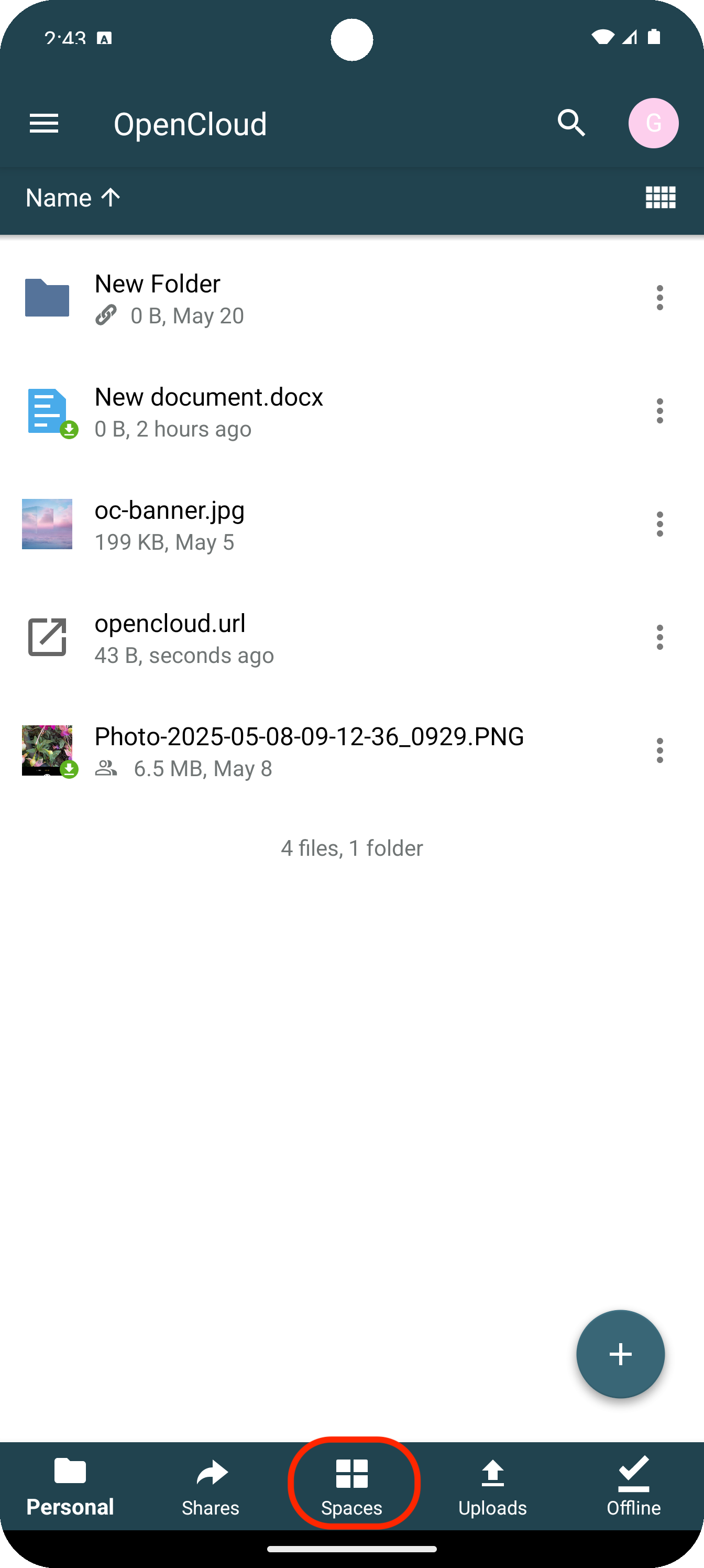
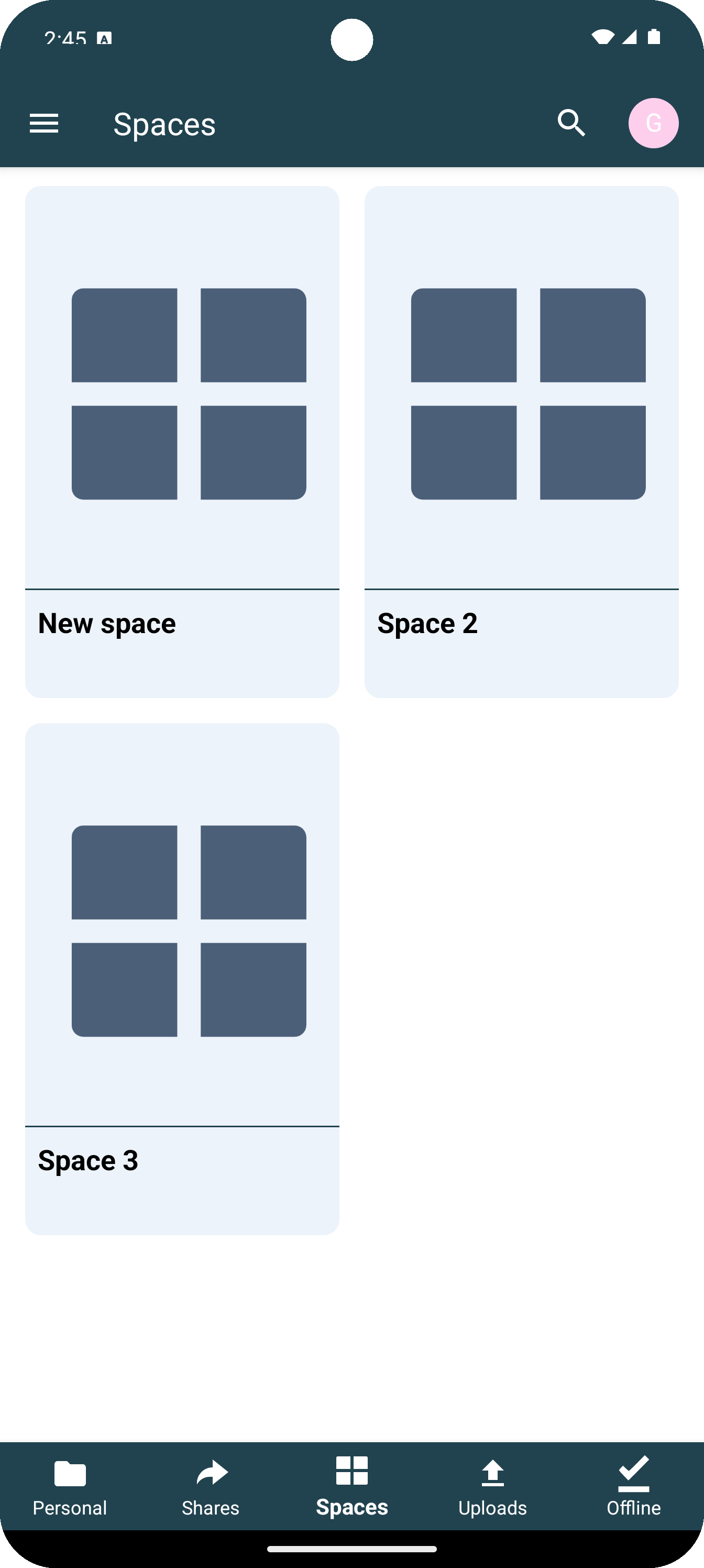
Afterwards, the Spaces Overview appears, listing all Spaces you are a member of or have created yourself.
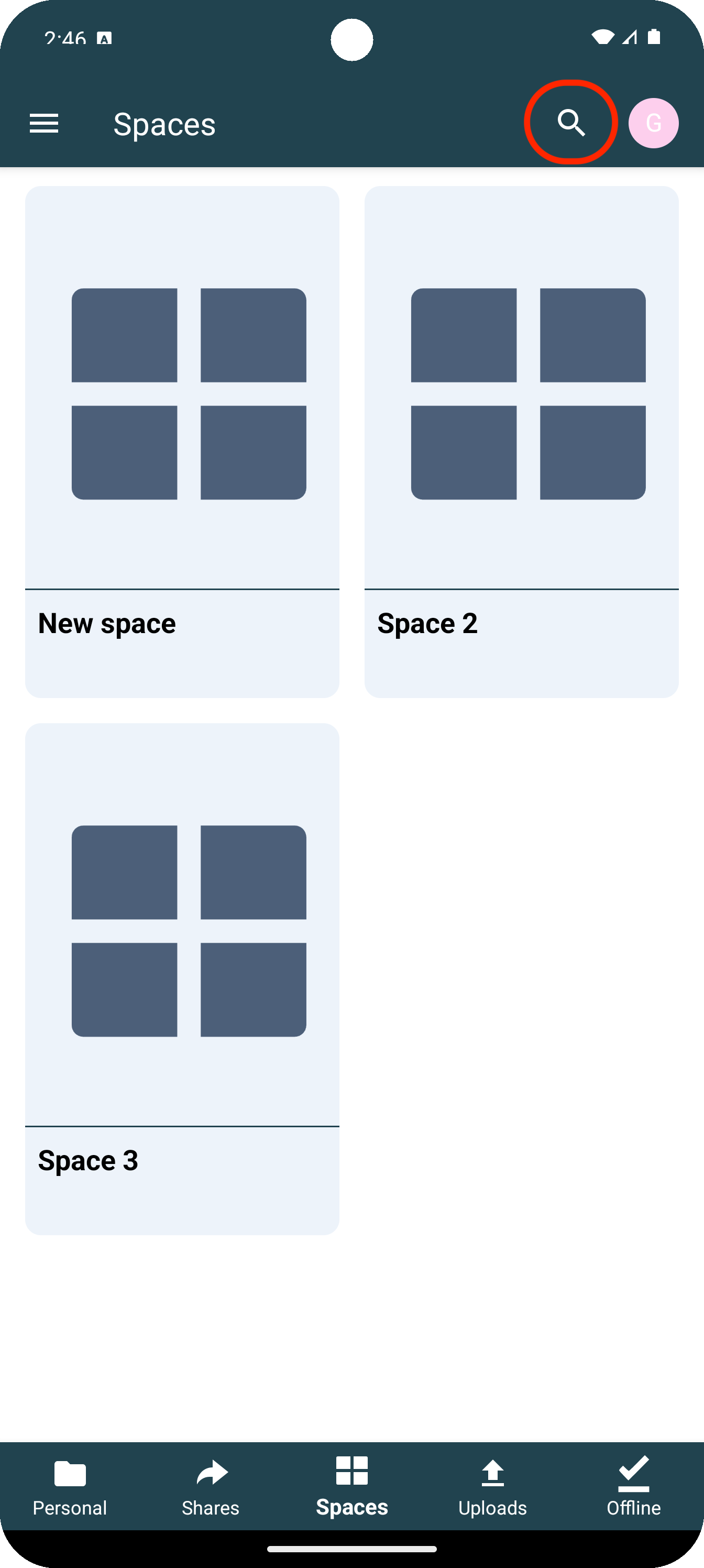
Search Function
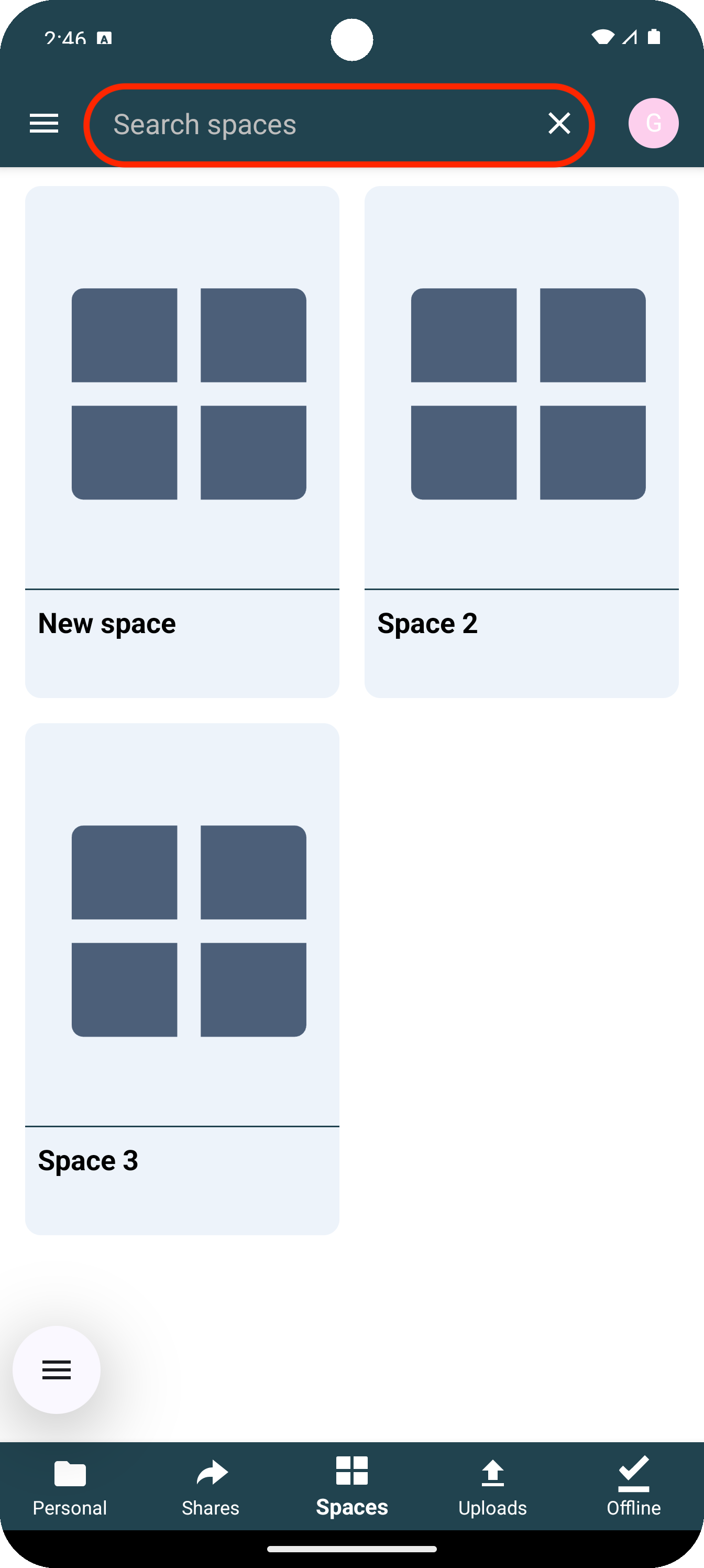
By tapping the search icon, the searchbar and the search menu for Spaces will open.
Functions within a Space
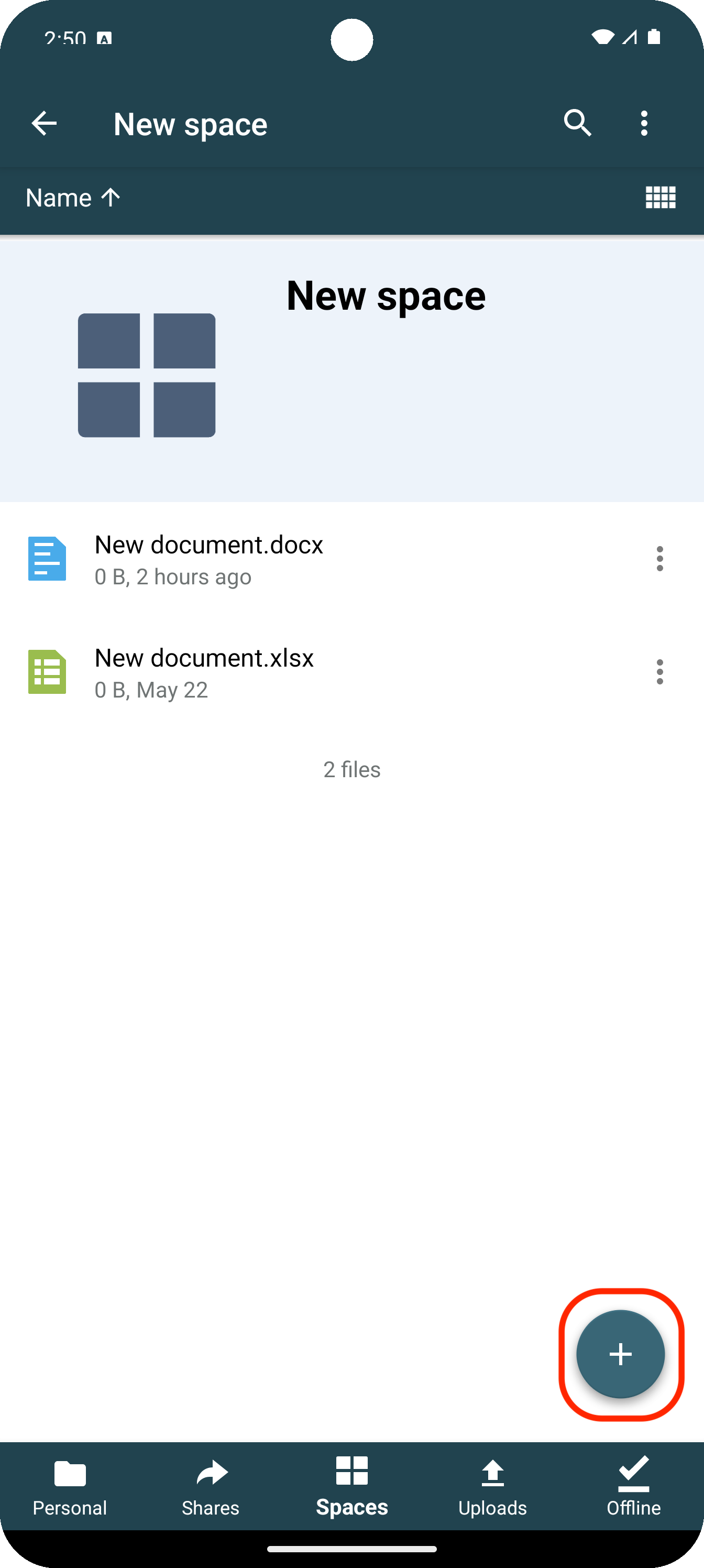
By tapping the plus icon, the available functions within a Space appear.
Create Menu
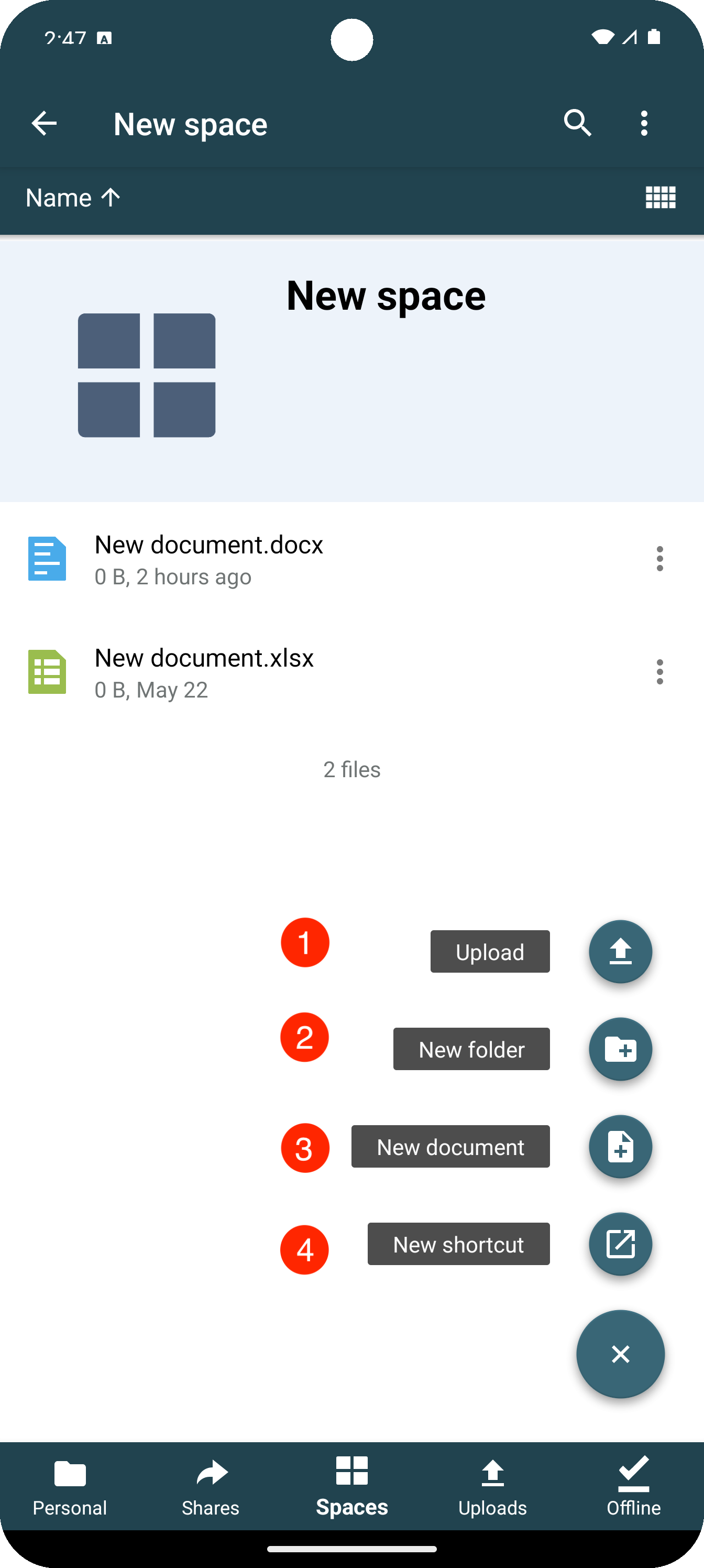
This section describes the available actions in the create menu of a Space.
1. Upload
Select files from your device and upload them to the Space.
2. New Folder
Create new folders to organize and structure content clearly.
3. New Document
Create a new document directly within the Space without using a separate app.
4. New Shortcut
Create a shortcut to a file or folder within the Space for quick access.