App Version
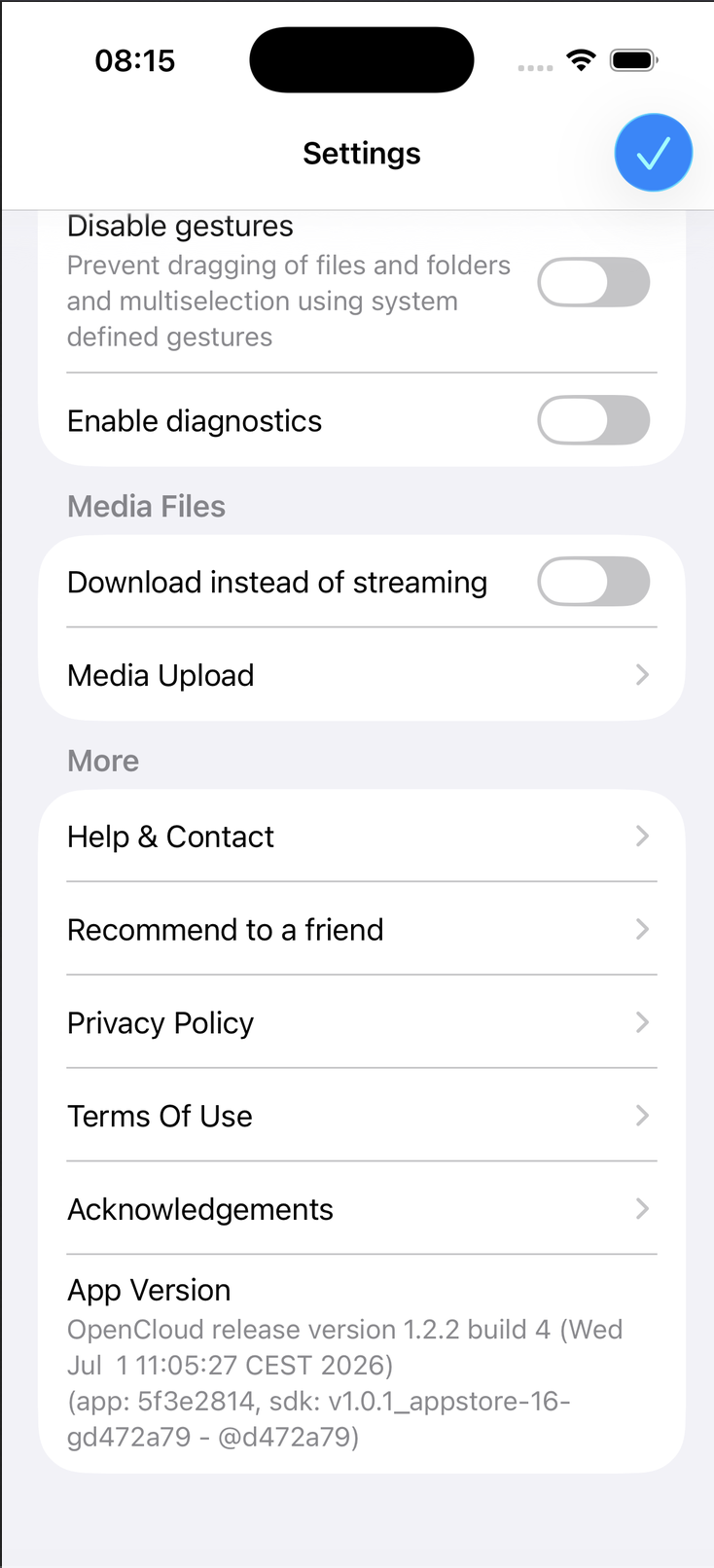
The App Version section displays detailed version information about your installed OpenCloud app, including the application version, build number, and SDK version.
Copy the App Version Information
- Open the OpenCloud app.
- Tap Settings.
- Scroll to the bottom of the page.
- Tap App Version.
Version Information Copied
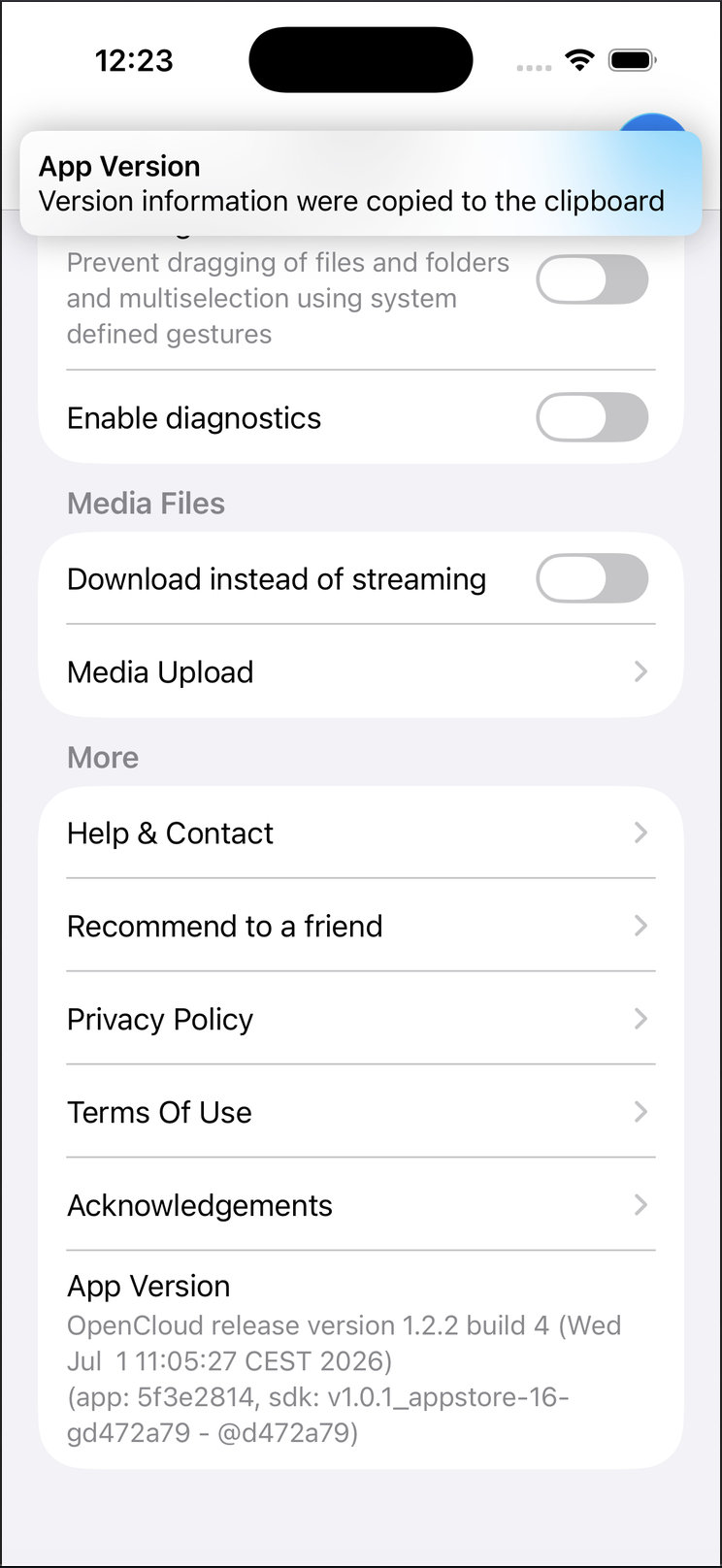
After tapping App Version, the complete version information is automatically copied to your device's clipboard.
A confirmation message appears at the top of the screen indicating that the version information has been copied successfully.
tip
If you need to report a bug or contact support, simply tap App Version before creating your report. You can then paste the copied version information directly into your support request.
note
The copied information may include the application version, build number, release date, commit identifier, and SDK version, depending on your OpenCloud release.