Theme
The Theme setting allows you to customize the appearance of the OpenCloud app.
You can choose whether the app follows your device's appearance or always uses a light or dark theme.
Change the Theme
- Open the OpenCloud app.
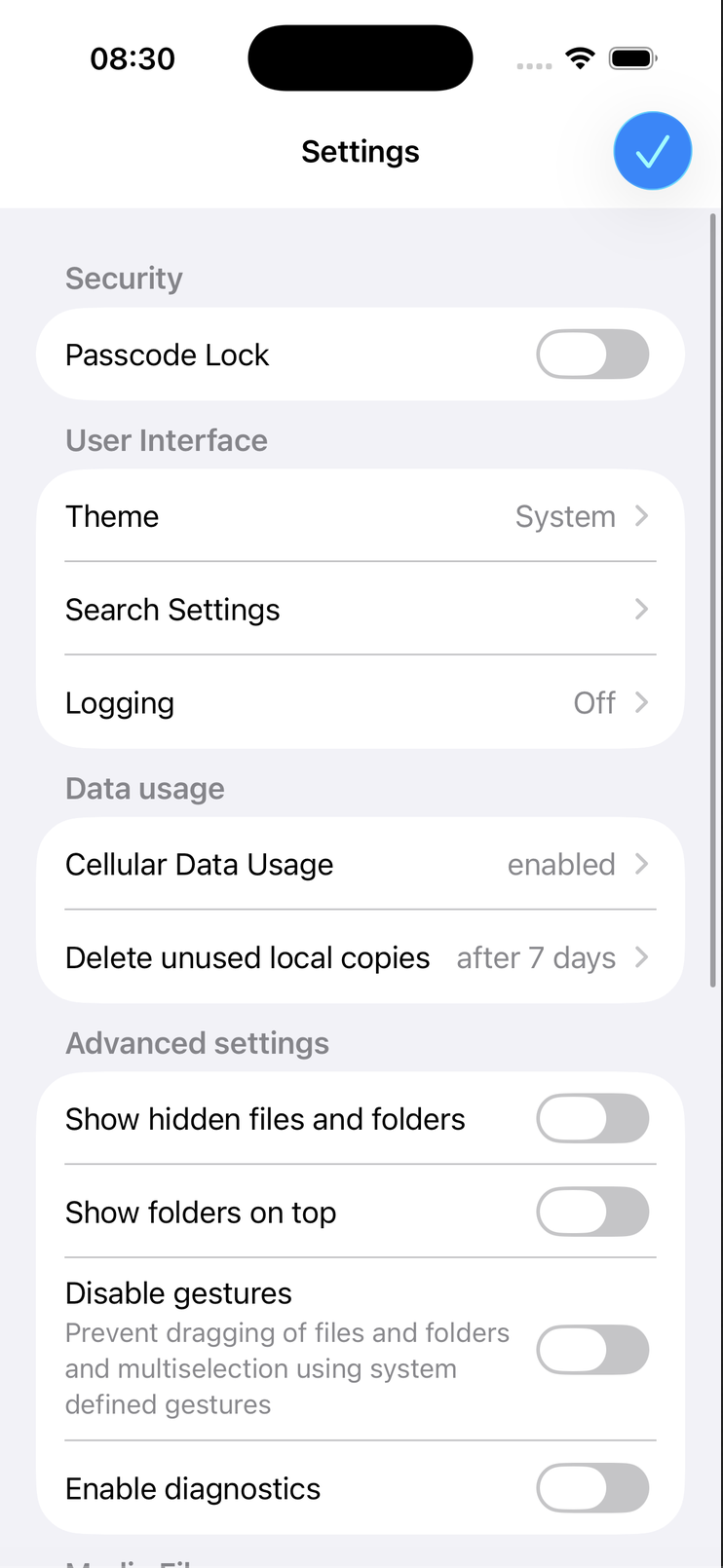
- Tap Settings.
- Under User Interface, tap Theme.
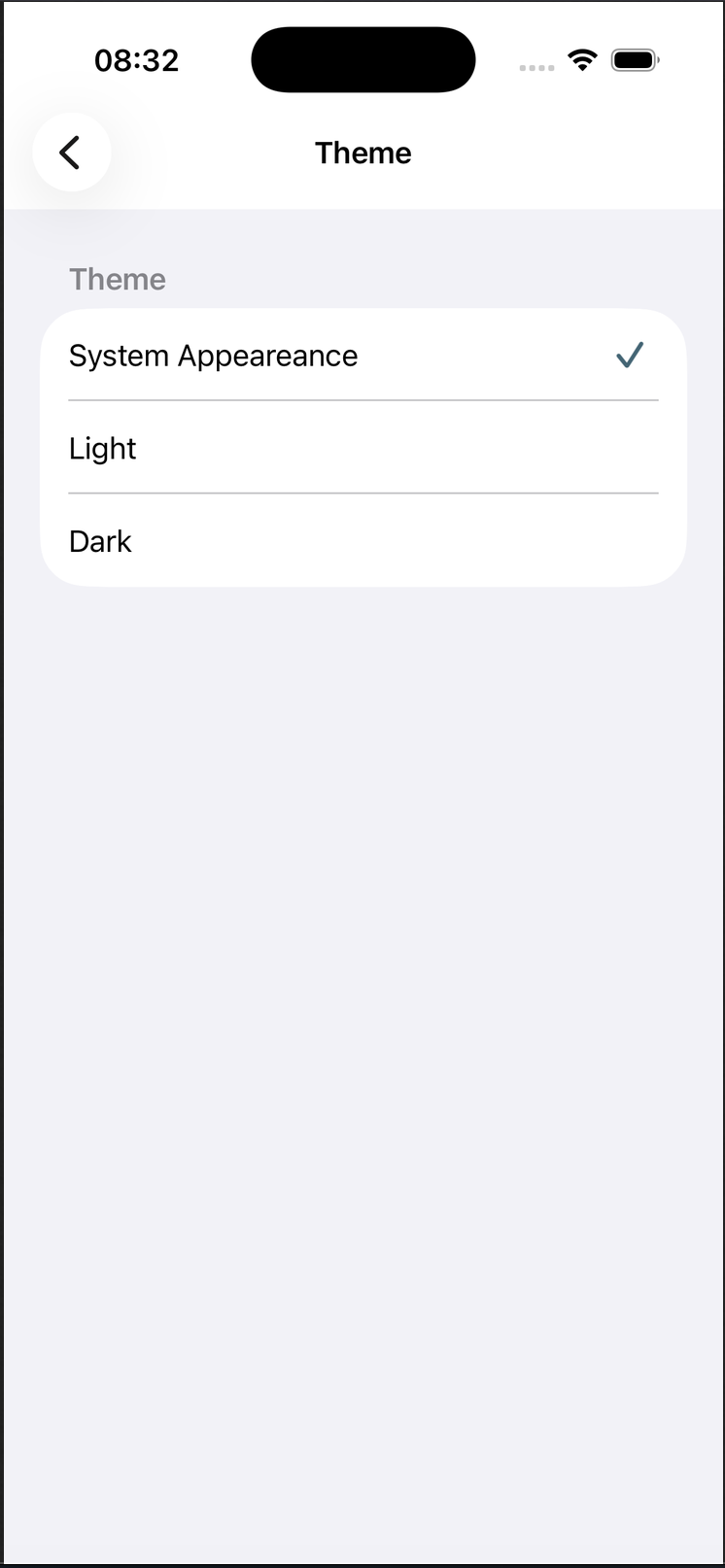
The Theme page allows you to select how the OpenCloud app is displayed.
Available Themes
You can choose one of the following appearance options:
- System Appearance – Uses your iOS appearance setting and automatically switches between Light and Dark mode.
- Light – Always displays the app using the light theme.
- Dark – Always displays the app using the dark theme.
Select the appearance that best matches your preference.
The selected theme is applied immediately throughout the app.
How Theme Selection Works
Changes take effect immediately after selecting a theme.
If System Appearance is selected, OpenCloud automatically follows the current iOS appearance and switches between Light and Dark mode whenever your device theme changes.
Using System Appearance is recommended, as it provides the most consistent user experience by matching your device's appearance settings.