Microsoft Office lock files are not synchronized
Problem
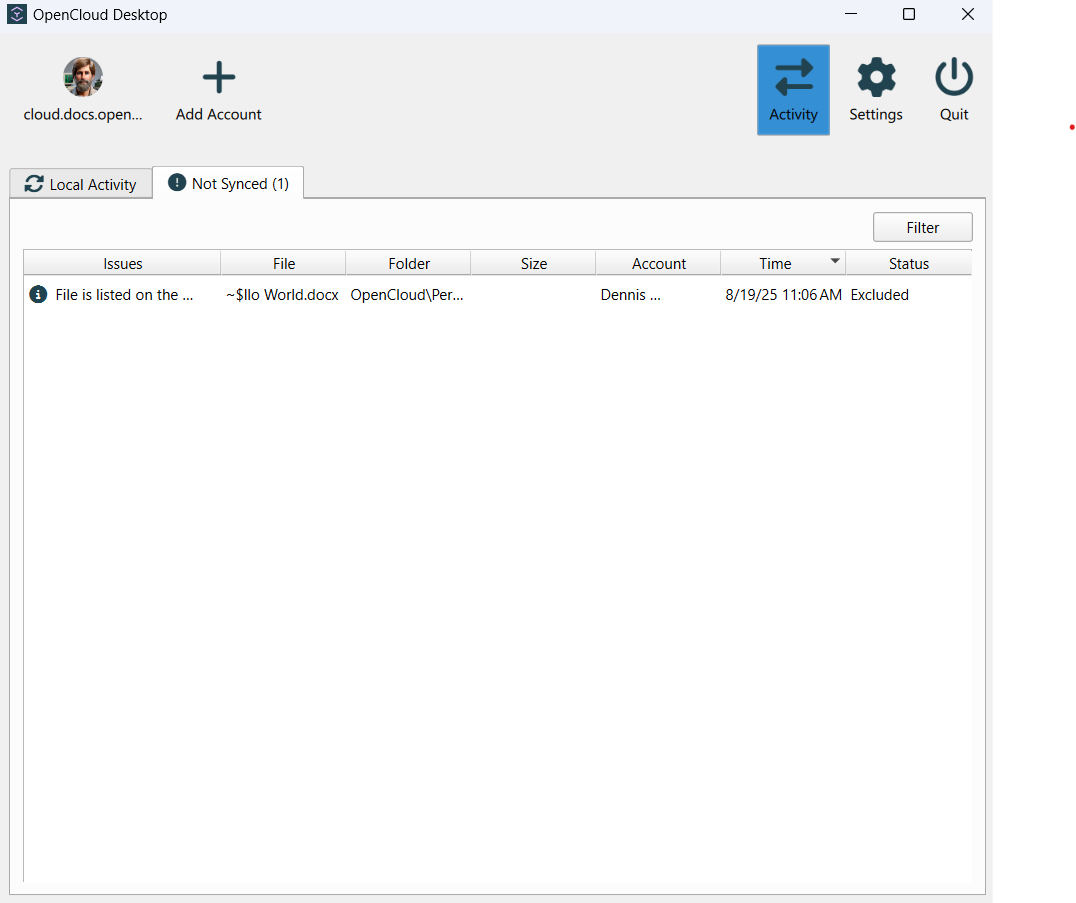
The OpenCloud Desktop Client does not synchronize files starting with ~$, such as ~$document.docx.
Cause
These files are temporary lock files created by Microsoft Office applications while a document is open. They are internal markers that prevent multiple users from editing the same document simultaneously, rather than content files.
Solution
Close the document in Microsoft Office. Office automatically removes the corresponding ~$ file.
For more details, see the Microsoft support article on temporary Office lock files created by Word, Excel, and PowerPoint.