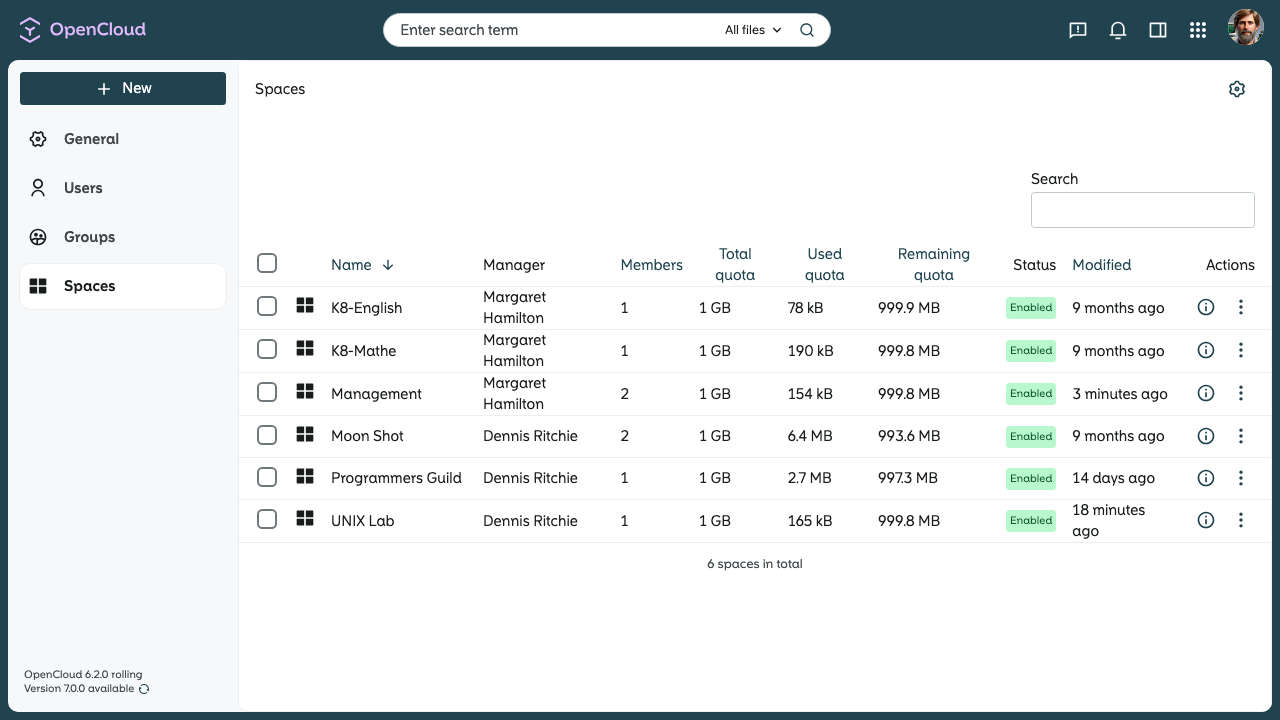
Admin area overview
The admin area of OpenCloud provides the main tools for managing your organization. The most important areas are shown below.
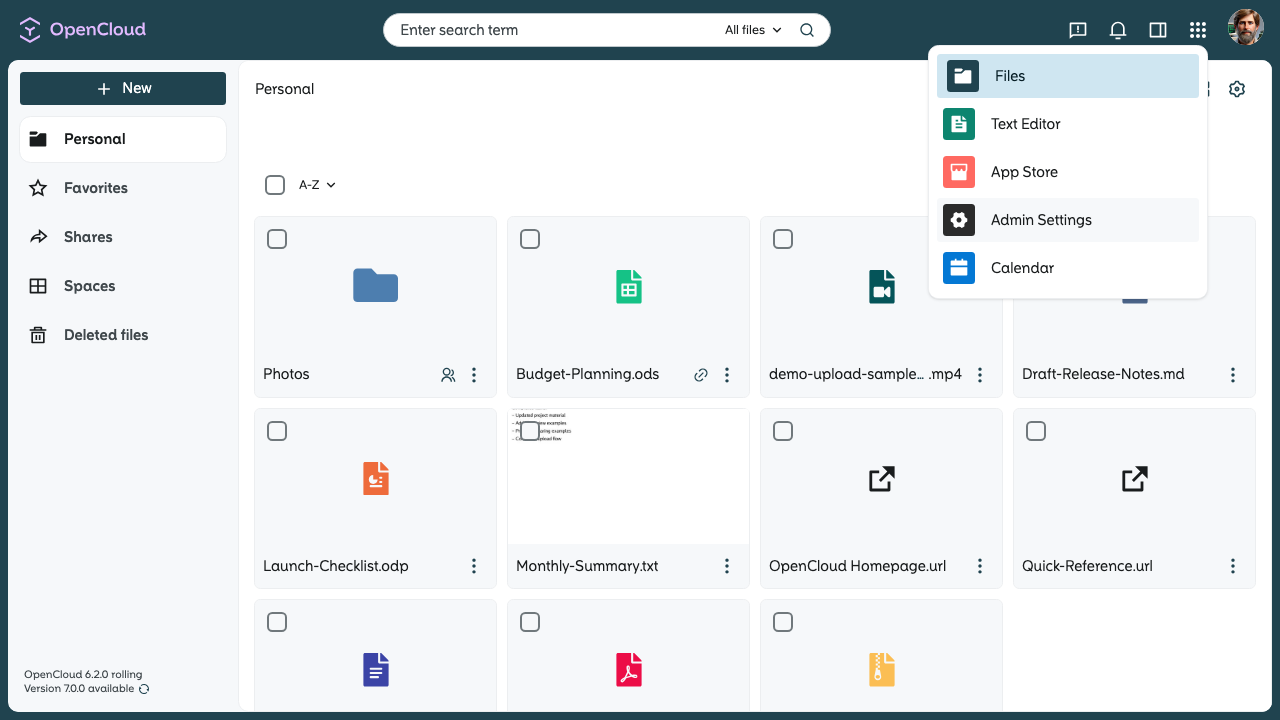
General
- Version overview:
In the General section, you can view your current OpenCloud version and check whether a newer version is available.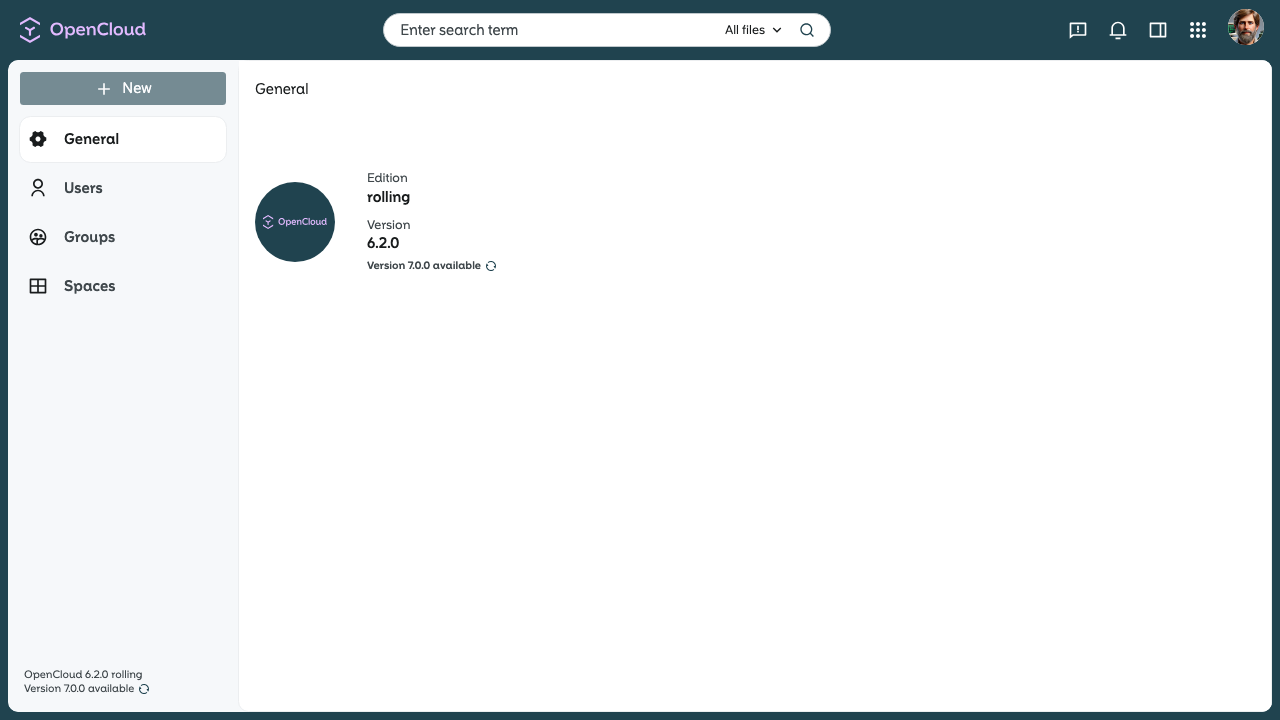
note
If a security-critical upgrade is available, administrators may also see a warning in the lower-left corner of the web interface. An administrator may disable the version check. If this option is turned off, information about newer versions will not be displayed.
Users
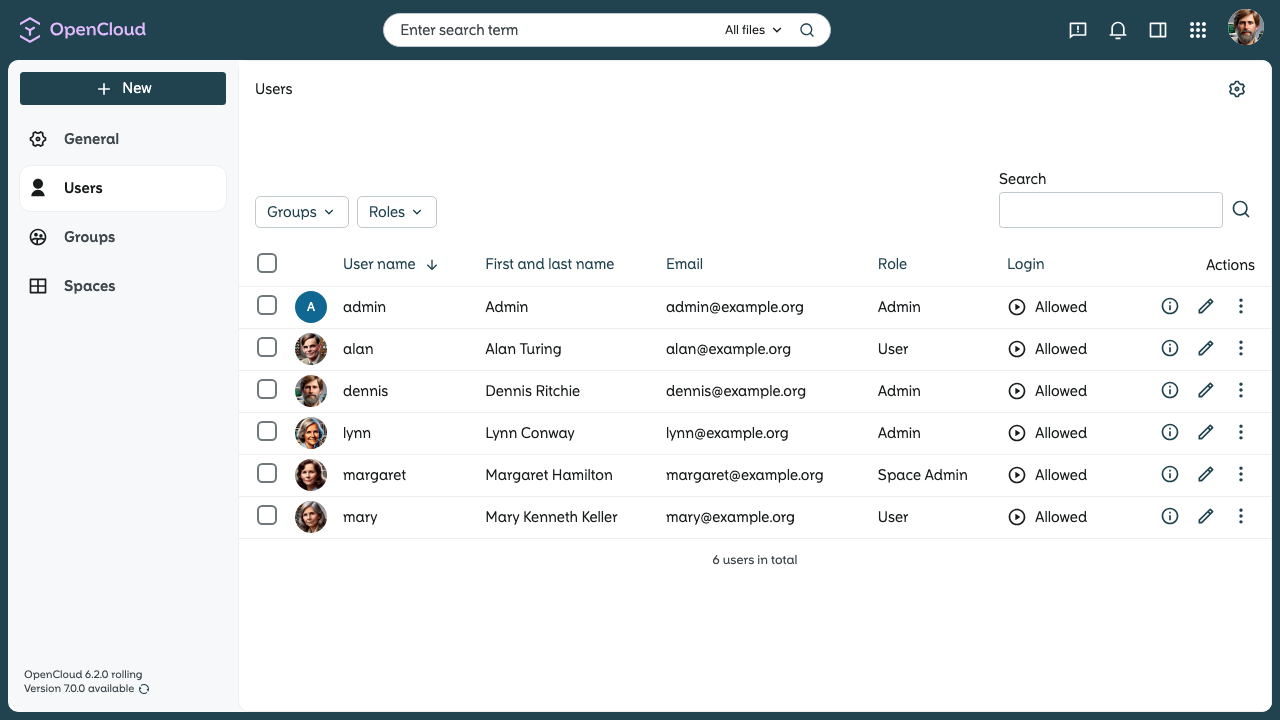
- User overview:
Here you can see all users in your OpenCloud instance. - User management:
Depending on your user management settings, you can:- create or delete users
- edit users, for example change rights or settings
- change user quotas
- add or remove users from groups
- allow or block logins for individual users
note
If OpenCloud is connected to an external IdP, you can still see the users here, but user management must be done in the IdP.
Groups
- Group overview:
Here you can see the existing groups in your OpenCloud instance. - Group management:
You can create, edit, or delete local groups and add or remove members. - Imported groups:
External groups that were imported through an external user management system cannot be edited here. These groups are marked with a lock symbol to show that they are locked.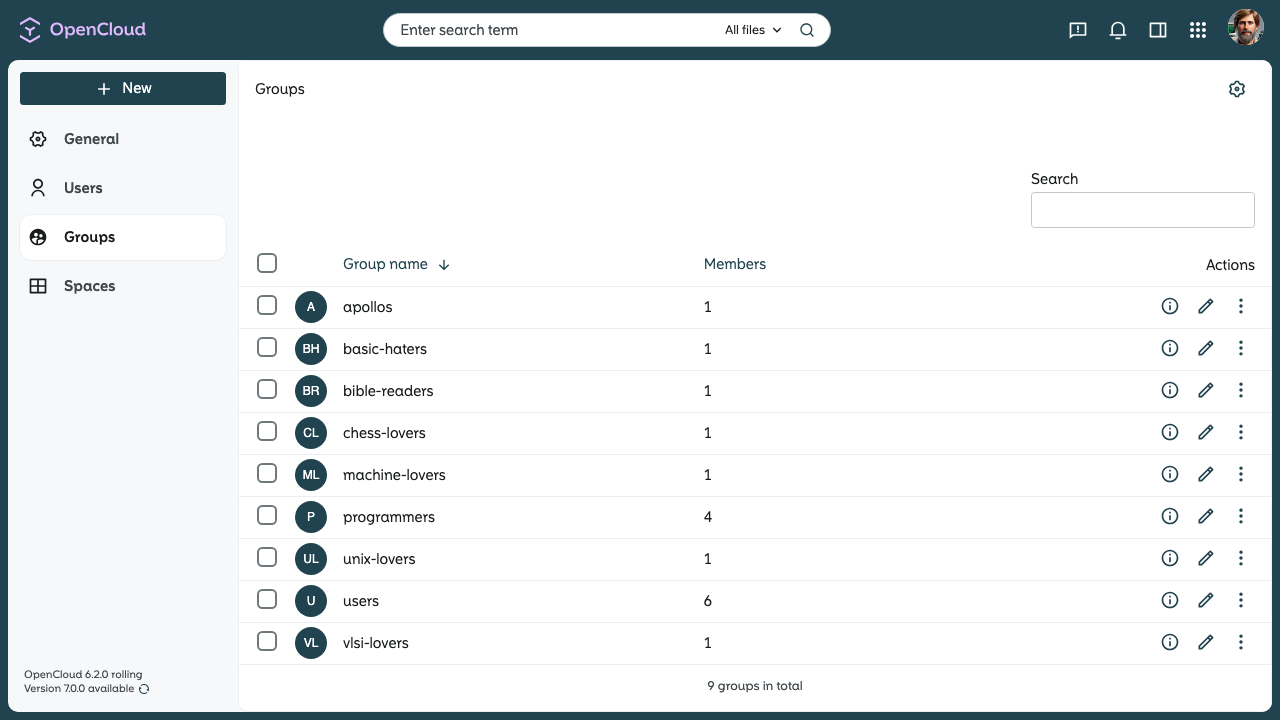
Spaces
- Space overview:
Here you can see all existing Spaces in your OpenCloud instance. - Space management:
As an administrator, you can:- edit Spaces, including rename, subtitle and quota
- deactivate or activate Spaces
- delete Spaces