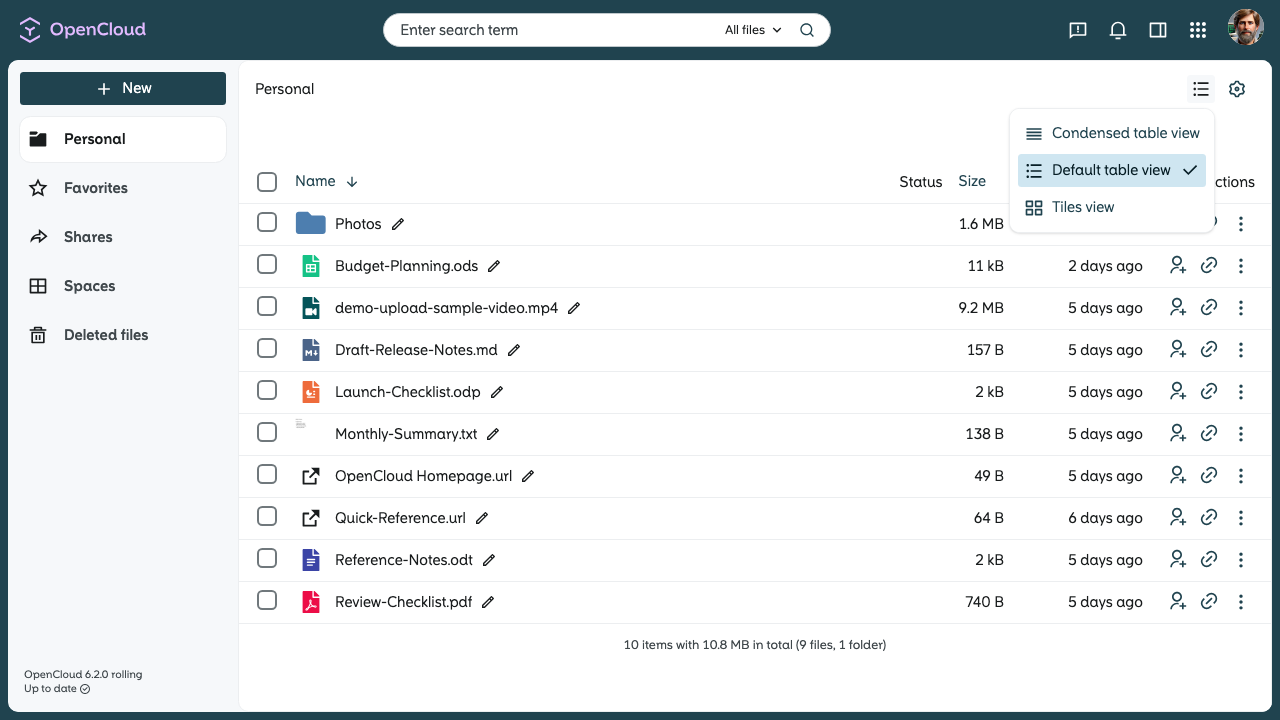
File list view modes in OpenCloud
In OpenCloud, you can choose between different view modes for files and folders to customize the display to your preferences.
Available view modes
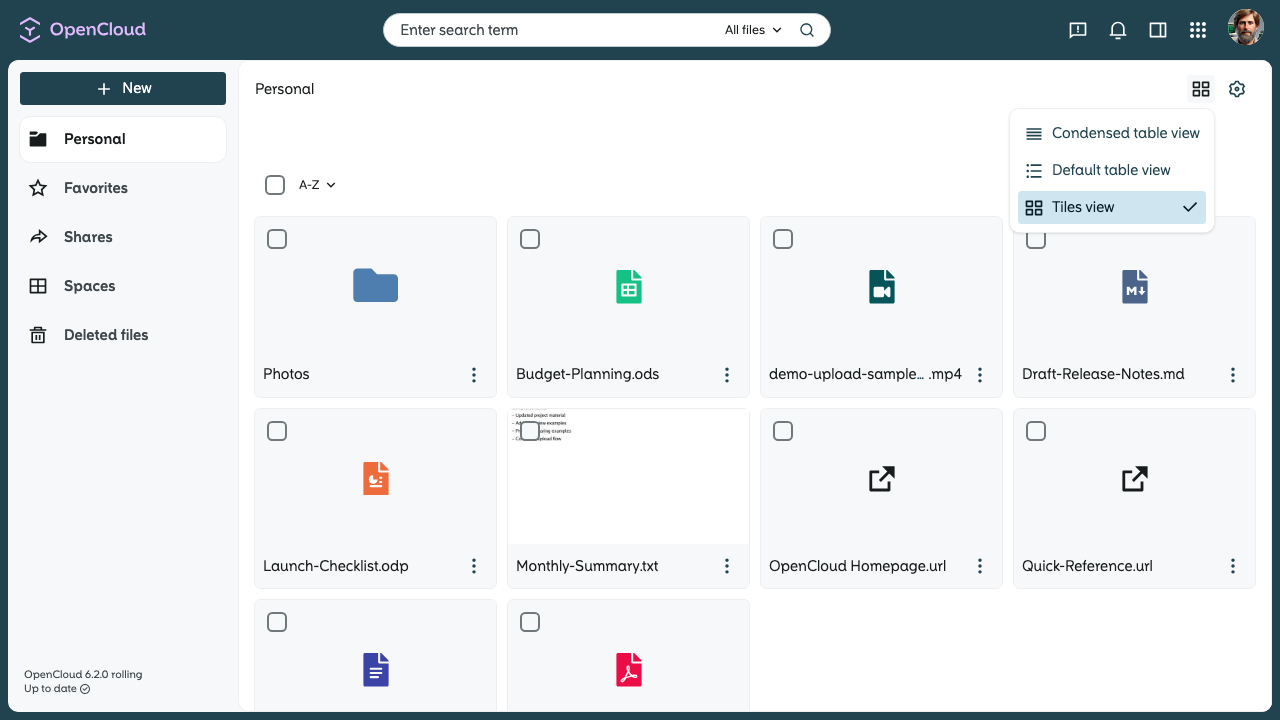
Tiles view
This is the default view. Files and folders are displayed as tiles, which works well for visual browsing.
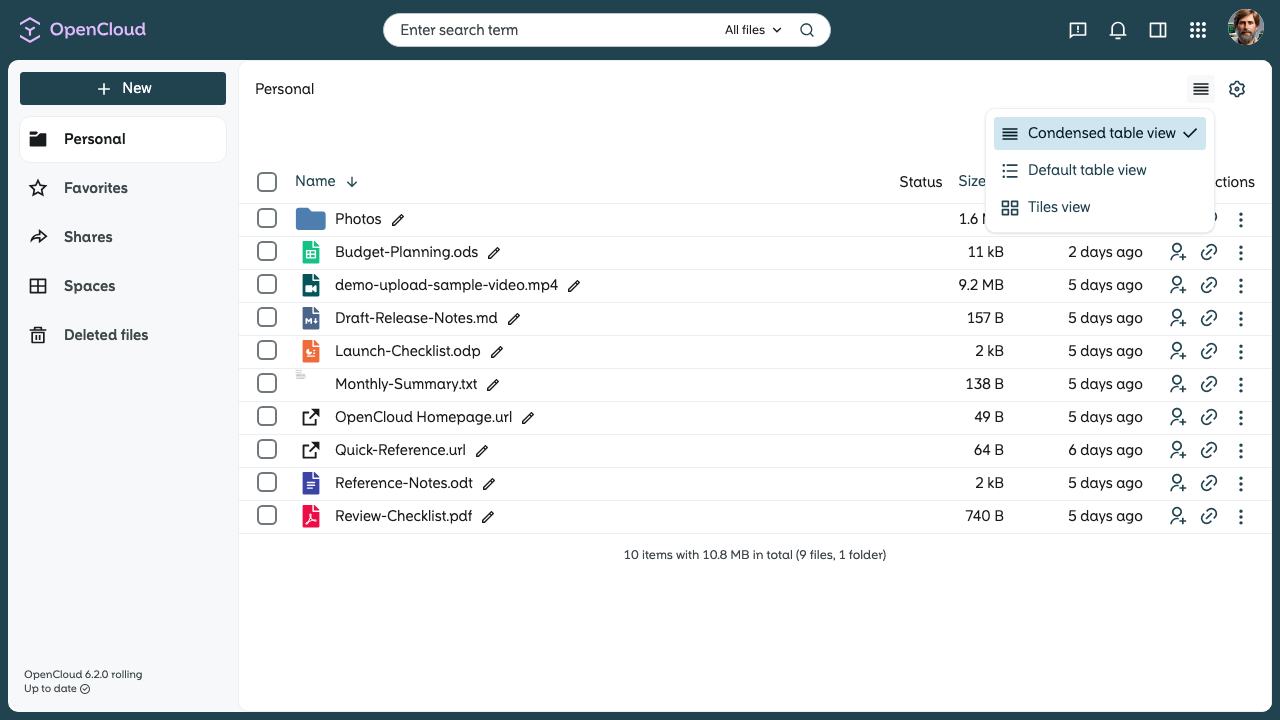
Condensed table view
A more compact table view that groups information more tightly to save space.
Default table view
The classic list view, where files and folders are displayed in a detailed table.