Add and manage tags with OpenCloud
With OpenCloud you can add tags to files and folders to make them easier to search or group.
Add tag
- Open the context menu for the file or folder.
- Select the “Details” option.
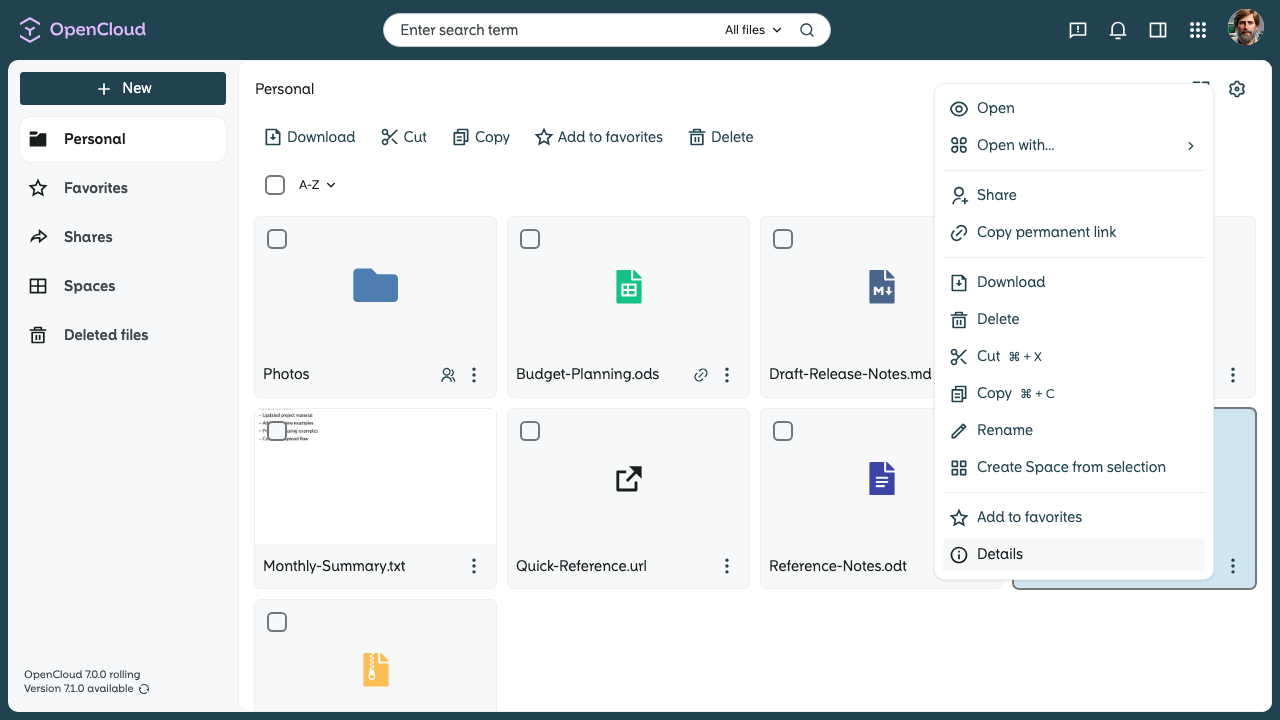
Add a tag
-
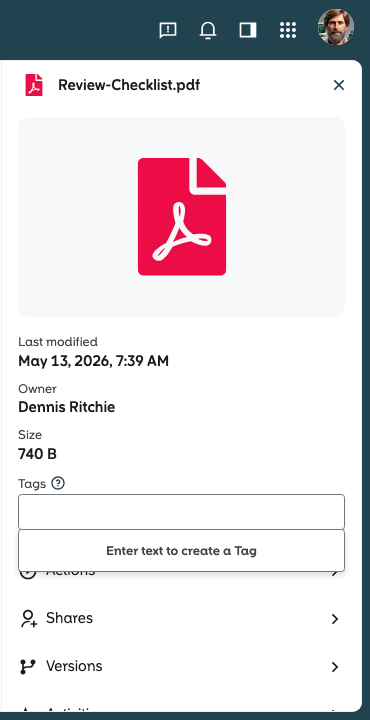
Click in the input field next to “Tags”.
-
Select an existing tag, or enter a new term to create a new tag.
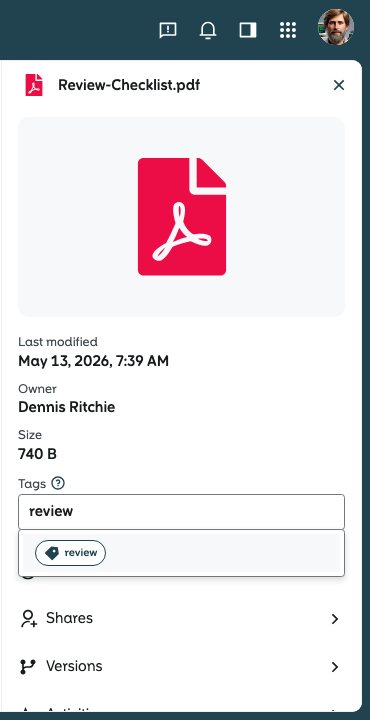
The tag is added and is now linked to the file or folder.
Remove tag
-
Open the “Details” of the file or folder again.
-
Find the tag you want to remove.
-
Click on the “x” next to the tag to delete it.
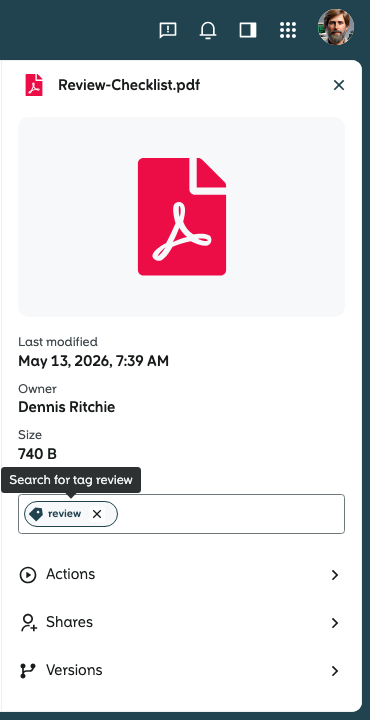
The file or folder is now no longer associated with this tag.