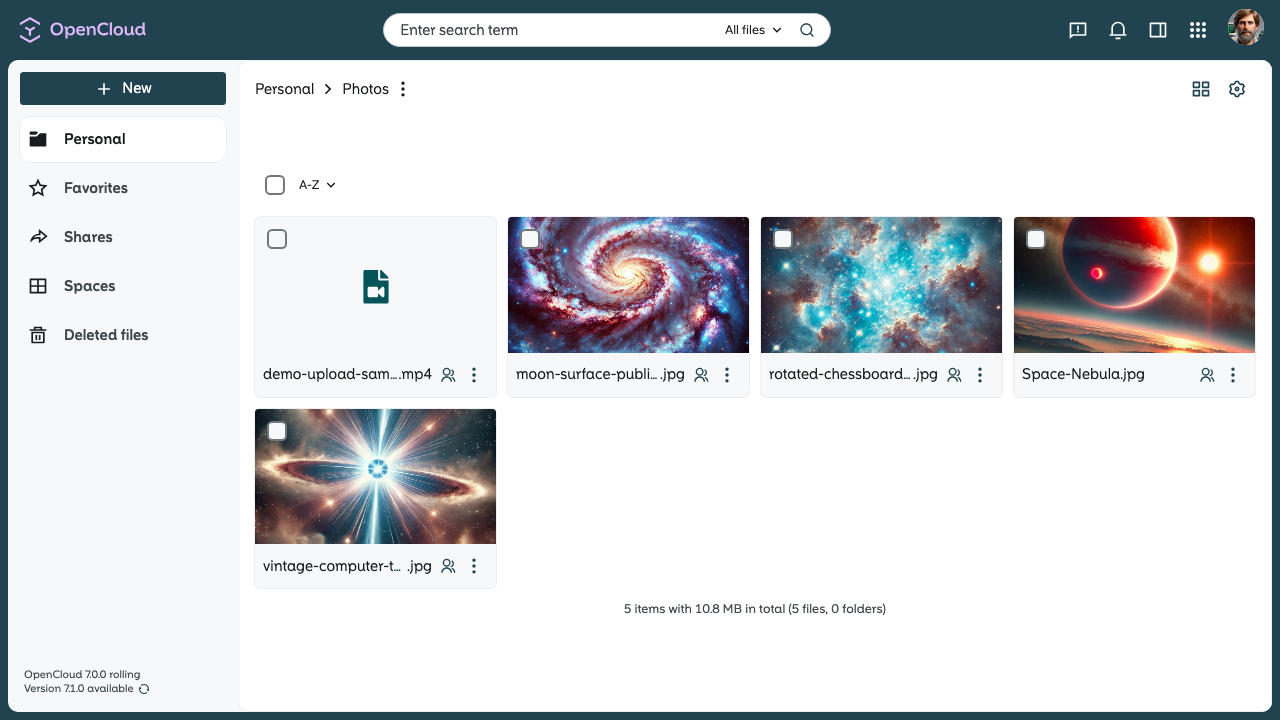
README Files in Folders
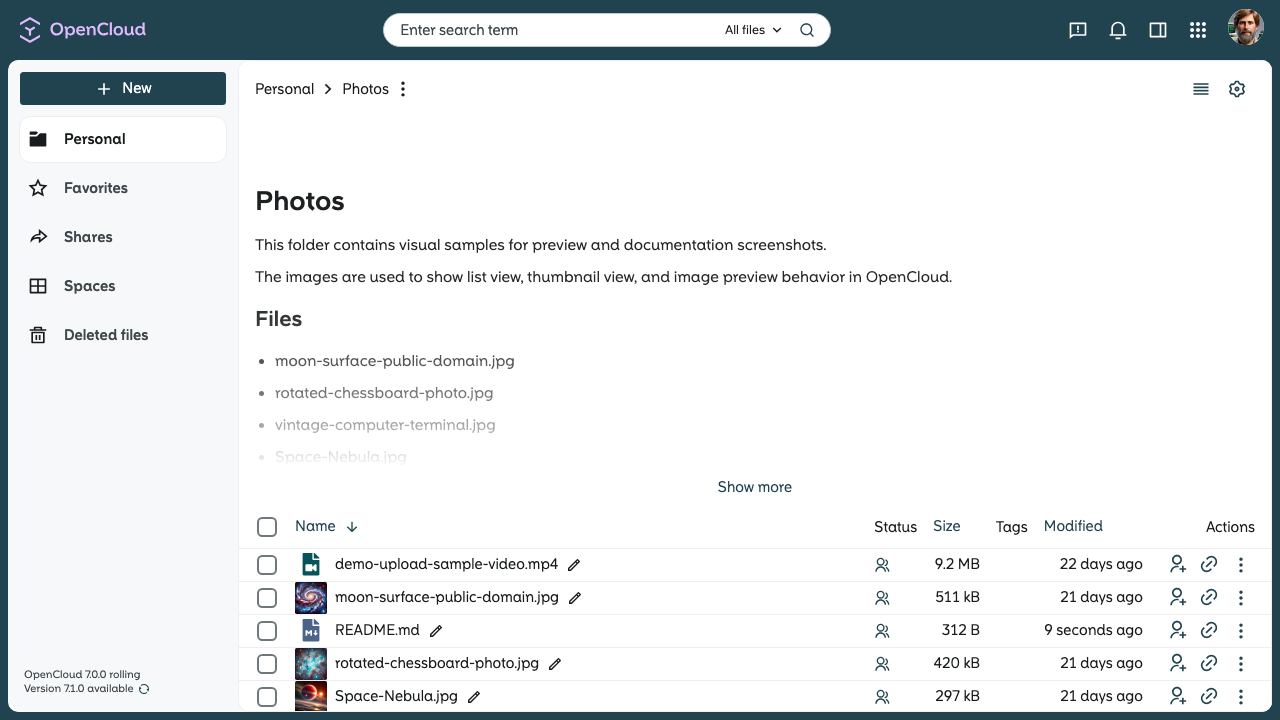
If a folder contains a file named README.md, OpenCloud renders its Markdown content above the file list.
Create a README File
- Open the folder where you want to add the README.
- Create or upload a file named
README.md. - Add your Markdown content and save the file.
OpenCloud renders the content when the folder is opened or refreshed.
Supported File Name
The file name must be exactly:
README.md
Example
A README.md file can contain Markdown like this:
# Photos

This folder contains visual samples for preview and documentation screenshots.

The images are used to show list view, thumbnail view, and image preview behavior in OpenCloud.

## Files

- moon-surface-public-domain.jpg
- rotated-chessboard-photo.jpg
- vintage-computer-terminal.jpg
- Space-Nebula.jpg
Remove the README Section
Delete or rename README.md to remove the rendered section.