Shortcut
With OpenCloud you can create shortcuts to websites or files
Create shortcut
-
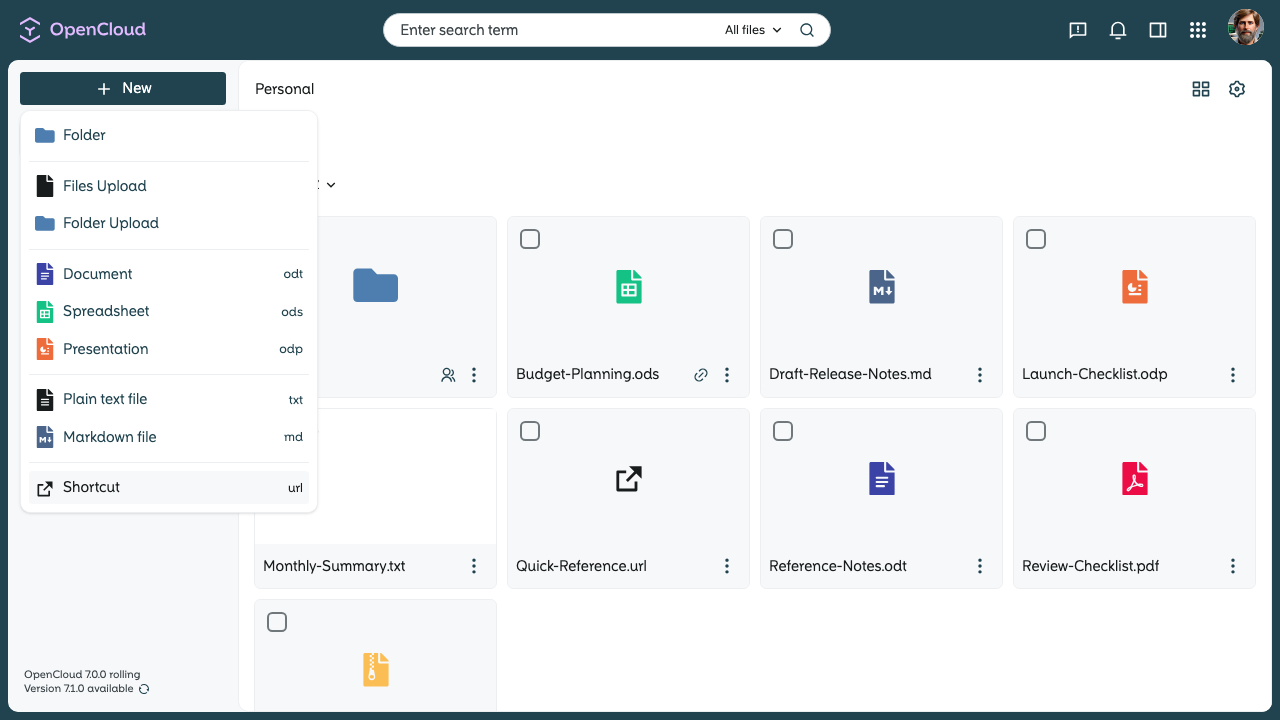
Open the “+ New” menu and select “Shortcut”.
-
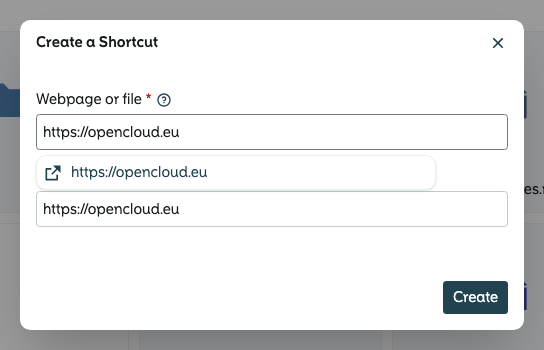
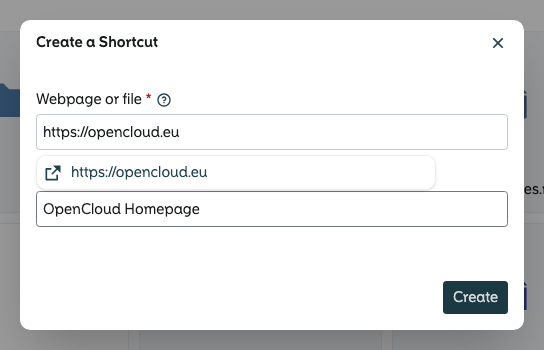
Enter a URL or file name.
- You can also pick a file from the list after typing a few letters.
-
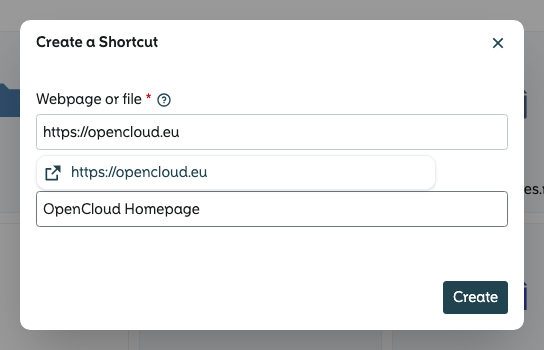
Enter a name for the shortcut.
-
Create the shortcut by clicking on "Create"
Use shortcut
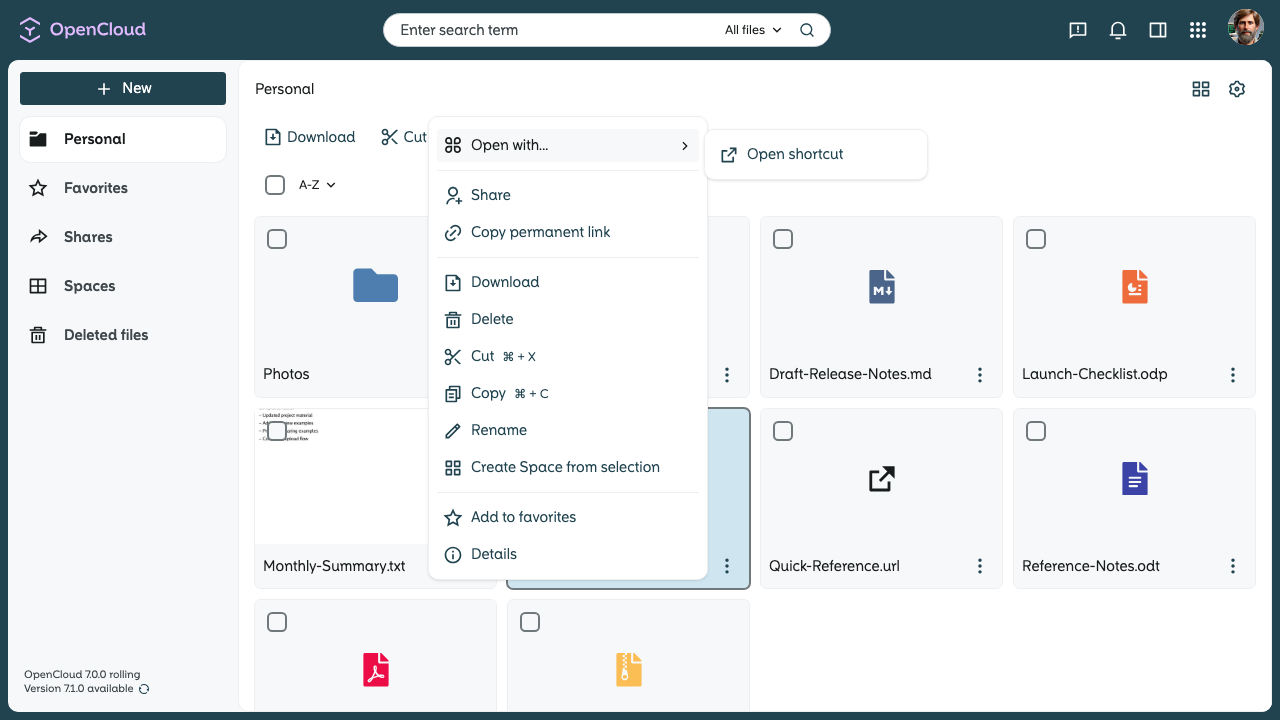
- Open the context menü, click on "Open with" and choose “Open shortcut”.